Chamberlain Garage Door Opener Remote: Quick Setup Solutions
Published: Dec 23, 2025
A Chamberlain garage door opener remote makes daily access to your garage fast and easy — until it needs reprogramming, stops responding, or no longer connects to your garage door opener. Whether you’re moving into a new home, replacing an old remote, or upgrading your system, this guide covers the essentials you need to know. You’ll learn how to program a Chamberlain garage door remote, fix common issues, check compatibility, and know when it’s time to replace it. At Up & Down Garage Doors, we help homeowners and businesses stay in control of their garage access with expert service and smart solutions.
Understanding Your Chamberlain Remote: Types & Compatibility
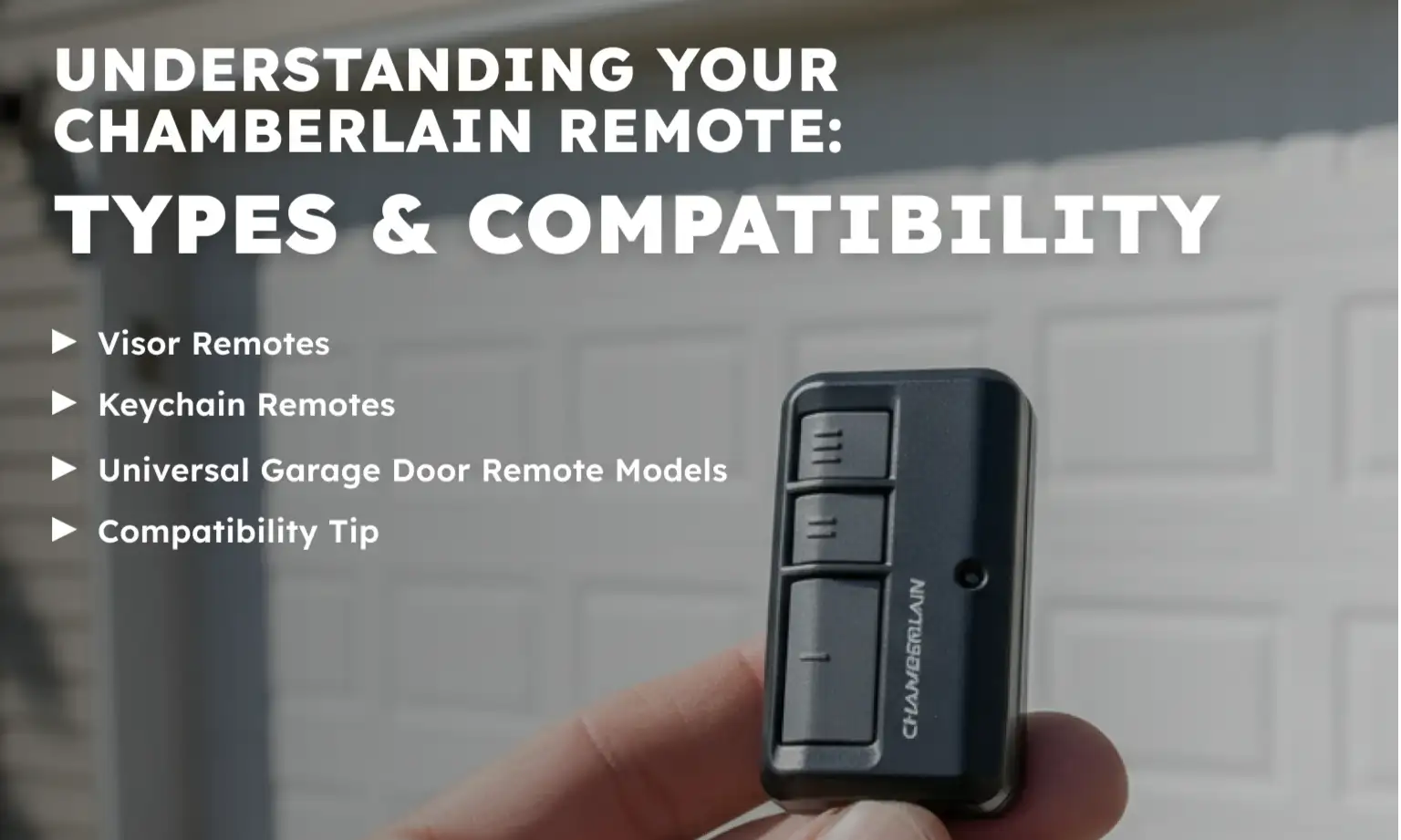
Chamberlain garage door opener remotes come in different formats to suit how and where you use them. Before setting one up or buying a replacement, it’s helpful to understand your options.
Visor Remotes
These remotes clip to your car’s sun visor and typically include 1, 2, or 3 buttons to control multiple doors or gates.
Keychain Remotes
These are compact versions that attach to your keyring. Great for people who park away from home or who want quick on-foot access.
Universal Garage Door Remote Models
A universal garage door remote is designed to work with many opener brands, including Chamberlain, as long as the opener uses a compatible frequency and safety system. Most Chamberlain garage door opener systems built after 1993 will work with universal models.
Compatibility Tip
Before buying a new remote, check the Learn button color on your opener. Chamberlain garage door remote compatibility is usually based on this color, with yellow, purple, green, and red/orange each linking to specific models and signal types.
How to Program a Chamberlain Garage Door Opener Remote: Step-by-Step
Programming a Chamberlain garage door opener remote is easier than it sounds. Most remotes follow the same basic steps and can be ready in just a few minutes.
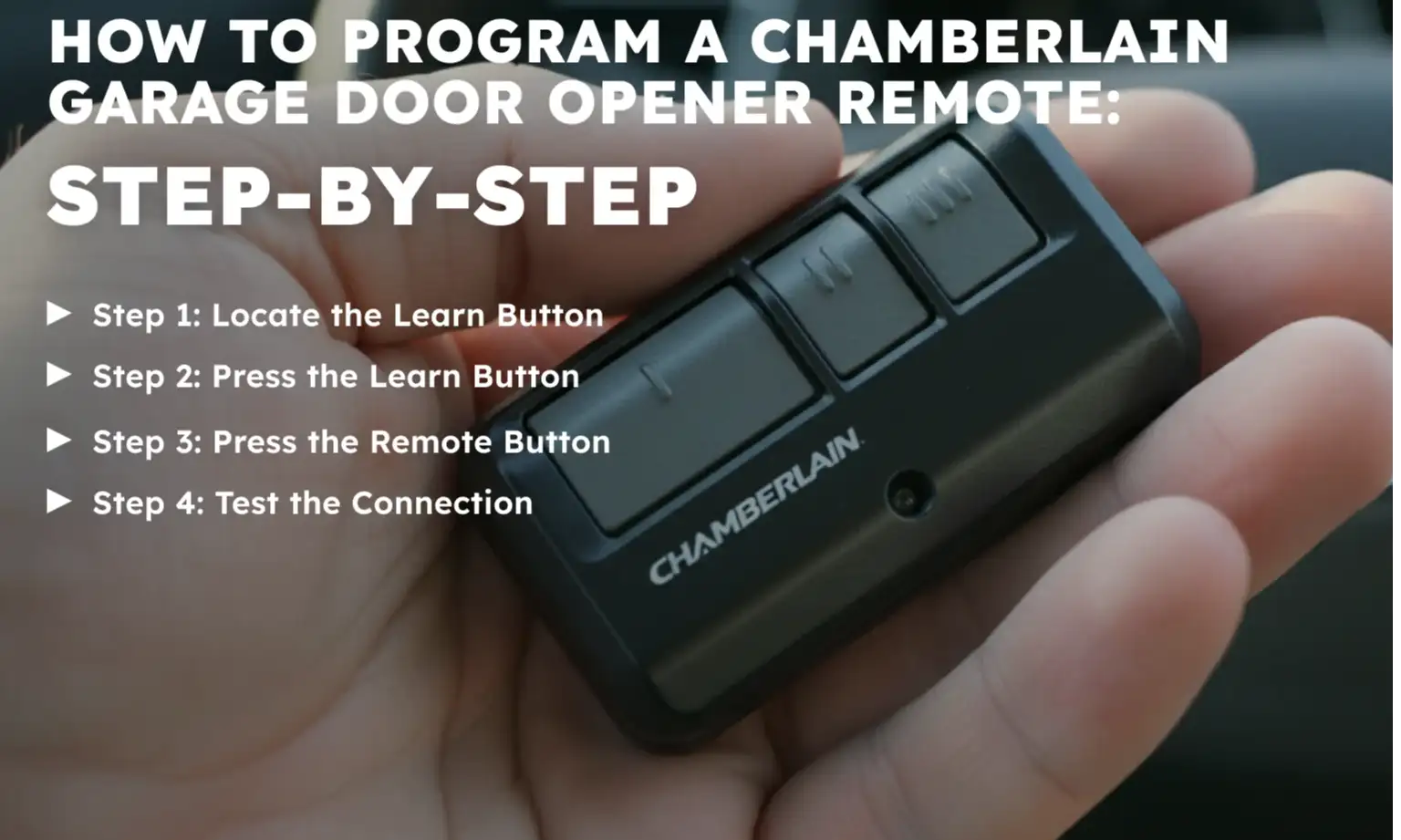
Step 1: Locate the Learn Button
On the back or side of your garage door opener (usually behind a light cover), find the “Learn” button. This activates remote pairing mode.
Step 2: Press the Learn Button
Press and release the Learn button. A small light should glow steadily for 30 seconds — this means the opener is ready to pair.
Step 3: Press the Remote Button
Within 30 seconds, press and hold the button on your remote. Hold until the garage light blinks or you hear a click.
Step 4: Test the Connection
Press the remote button again to confirm it opens and closes your door as expected.
If you’re using a different remote model or need help with syncing multiple remotes, see our full guide on how to program a garage door remote.
Top 5 Troubleshooting Tips for Common Remote Problems
Even after setup, you may run into occasional issues. These tips can help resolve the most frequent issues people face with a Chamberlain garage door opener remote.
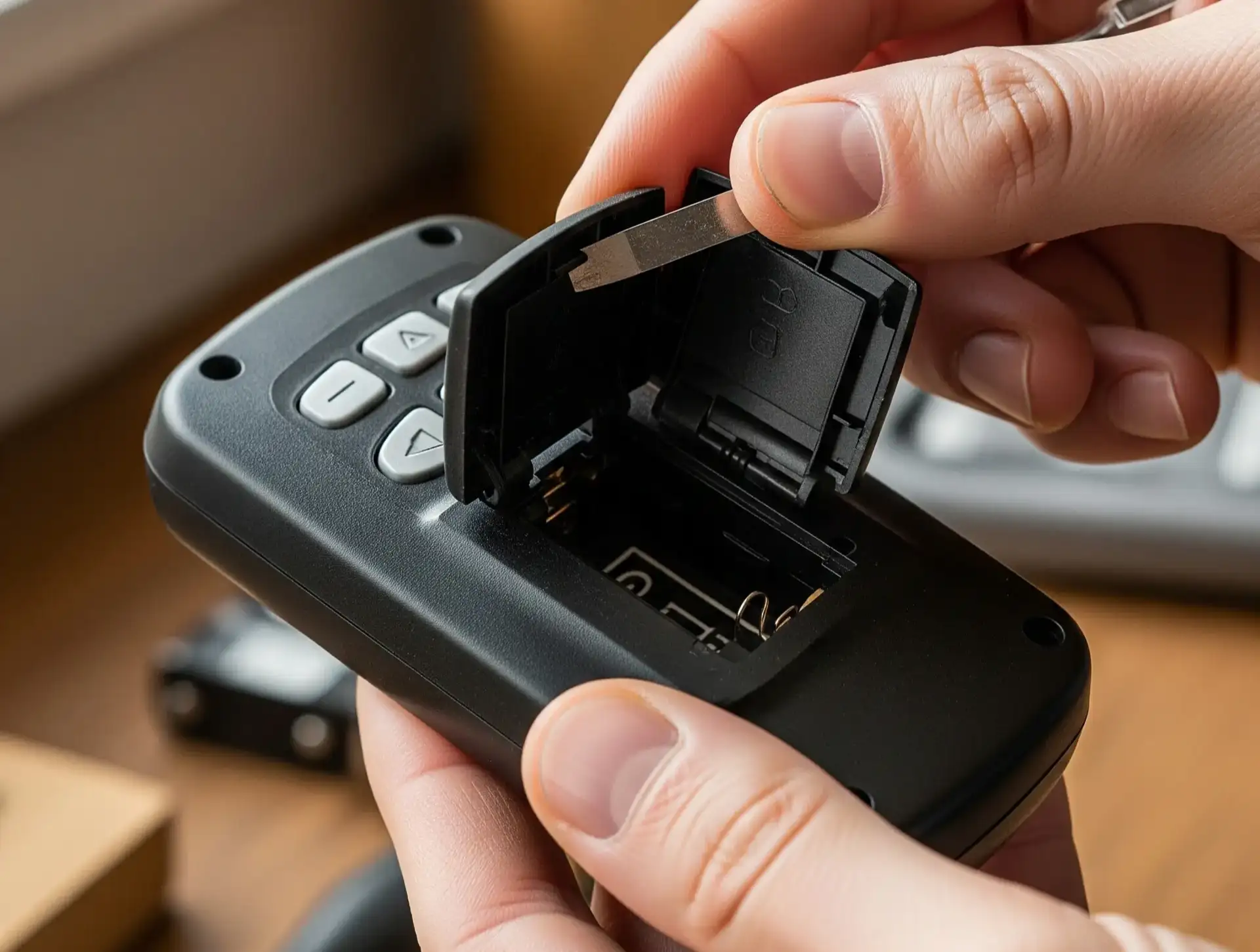
1. Check and Replace the Battery
A weak or dead battery is the most common reason a Chamberlain garage door remote stops working. Always try a fresh battery before moving on to other fixes.
2. Remove Signal Interference
Wi-Fi routers, LED lights, and other devices can interfere with the remote’s frequency. Move them away from your opener or swap bulbs to low-interference models.
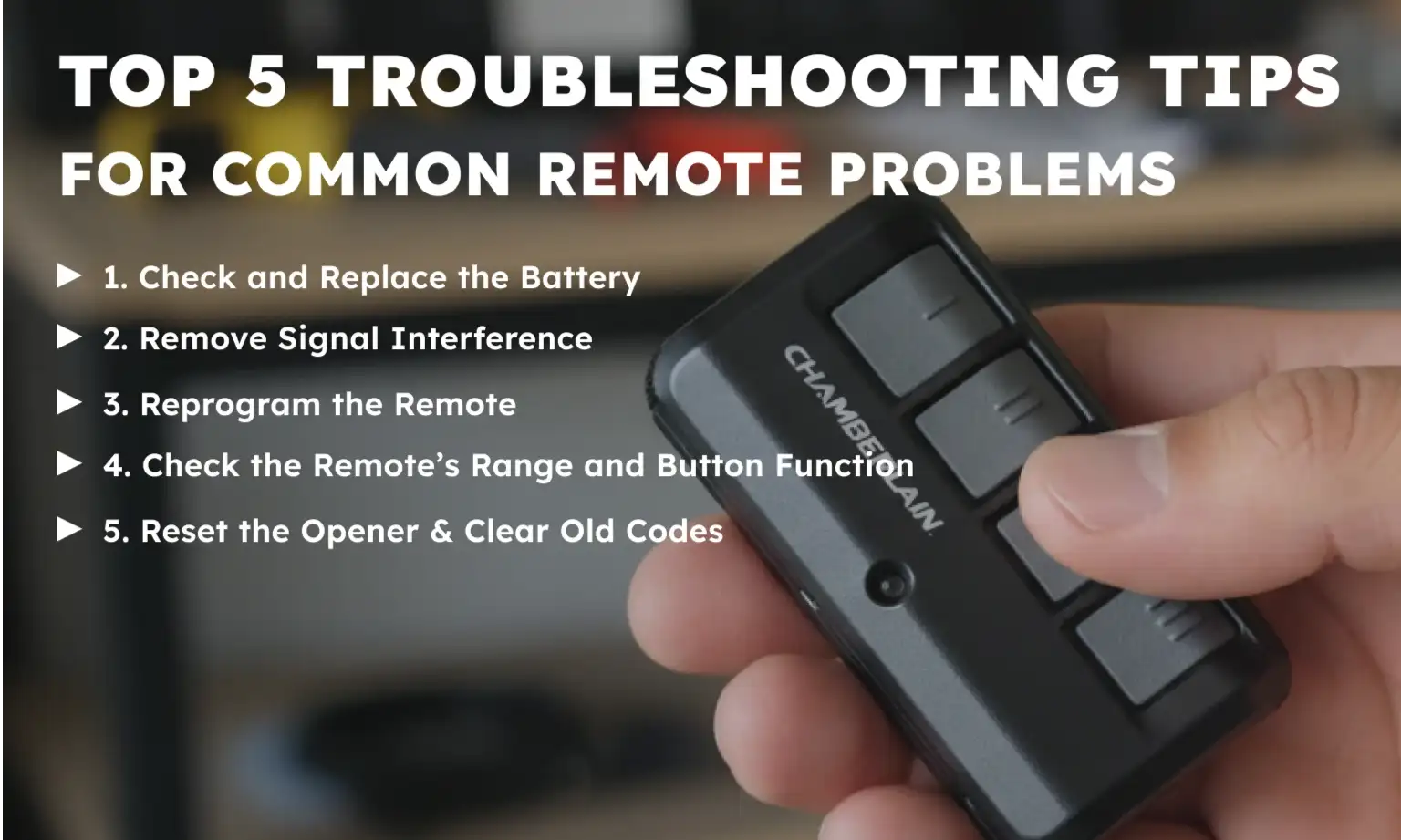
3. Reprogram the Remote
If the remote unpairs after a power outage or surge, just go through the Chamberlain remote programming steps again to restore the connection.
4. Check the Remote’s Range and Button Function
Test the remote at different distances and angles. If your Chamberlain garage door opener remote’s buttons are sticky or unresponsive, the remote may be damaged internally.
5. Reset the Opener & Clear Old Codes
If nothing else works, reset your garage door opener and erase old remote codes. Then, follow the steps above to program a Chamberlain garage door opener remote from scratch.
For extra help diagnosing remote or opener issues, visit our detailed guide on Chamberlain garage door opener troubleshooting.
If you’re dealing with frequent signal drops or using older hardware, it may be time to replace your remote or consider a garage door opener repair or replacement. At Up & Down Garage Doors, we’ll help you choose and install the right solution with care and accuracy.
Get Your Remote Working the Right Way with Up & Down Garage Doors
Whether you’re setting up a new Chamberlain garage door opener remote or dealing with connection problems, quick action can save time and prevent bigger issues down the line. A remote that fails at the wrong moment can interrupt your day, impact business operations, or even compromise your property’s security. Our team offers reliable support and comprehensive garage door opener services — from troubleshooting to full opener replacement. Let Up & Down Garage Doors make it simple — get in touch today and enjoy expert service you can count on.
Frequently Asked Questions
How do I know if my remote is compatible with my Chamberlain opener?
Chamberlain garage door remote compatibility depends on your opener’s Learn button color and model year. Most remotes work with openers made after 1993.
Can I use a universal garage door remote with my Chamberlain garage door opener?
Yes. A universal garage door remote that supports Security+ or Learn button technology is usually compatible.
Why is my Chamberlain garage door opener remote not working after programming?
If programming fails, check for interference, battery problems, or try resetting the opener before reprogramming.
How long does a Chamberlain remote battery last?
Most last 1–2 years. If your Chamberlain garage door remote suddenly stops working, the battery is a good place to start.
When should I replace my Chamberlain garage door opener remote?
You’ll probably need a Chamberlain garage door opener remote replacement if it’s unresponsive (even after reprogramming) or if it no longer works with your upgraded opener system.
You may also like