Chamberlain Garage Door Opener Troubleshooting Guide
Published: Dec 1, 2025
A misbehaving Chamberlain garage door opener can feel like a real headache, especially when the door won’t open or close and you need to get going. In reality, many issues come down to simple causes like lost power or misaligned safety sensors. A quick check of these basics can get the door moving again without a big repair bill. In this Chamberlain garage door opener troubleshooting guide, Up & Down Garage Doors walks you through the most common fixes so you can track down the problem with confidence.
Chamberlain Garage Door Opener Troubleshooting: Power and Sensors
Before you worry about error codes or major repairs, start with the basics. Most Chamberlain opener issues come down to either a power problem or garage door sensors not working the way they should. Just a few basic checks can keep you from wasting time and worrying.
Check Power First
If the unit is completely dead, start by confirming it’s getting power:
Check the Outlet
: Make sure the opener’s cord is firmly plugged into the ceiling outlet.Test the Outlet
: Plug in something else, like a lamp or phone charger, to make sure it has power and a breaker hasn’t tripped.Check the Wall Control
: If the opener has power but the remotes don’t work, the wall control might be in “Lock” or “Vacation” mode, which disables portable remotes. Turn that feature off and test the door again.
When Garage Door Sensors Aren’t Working
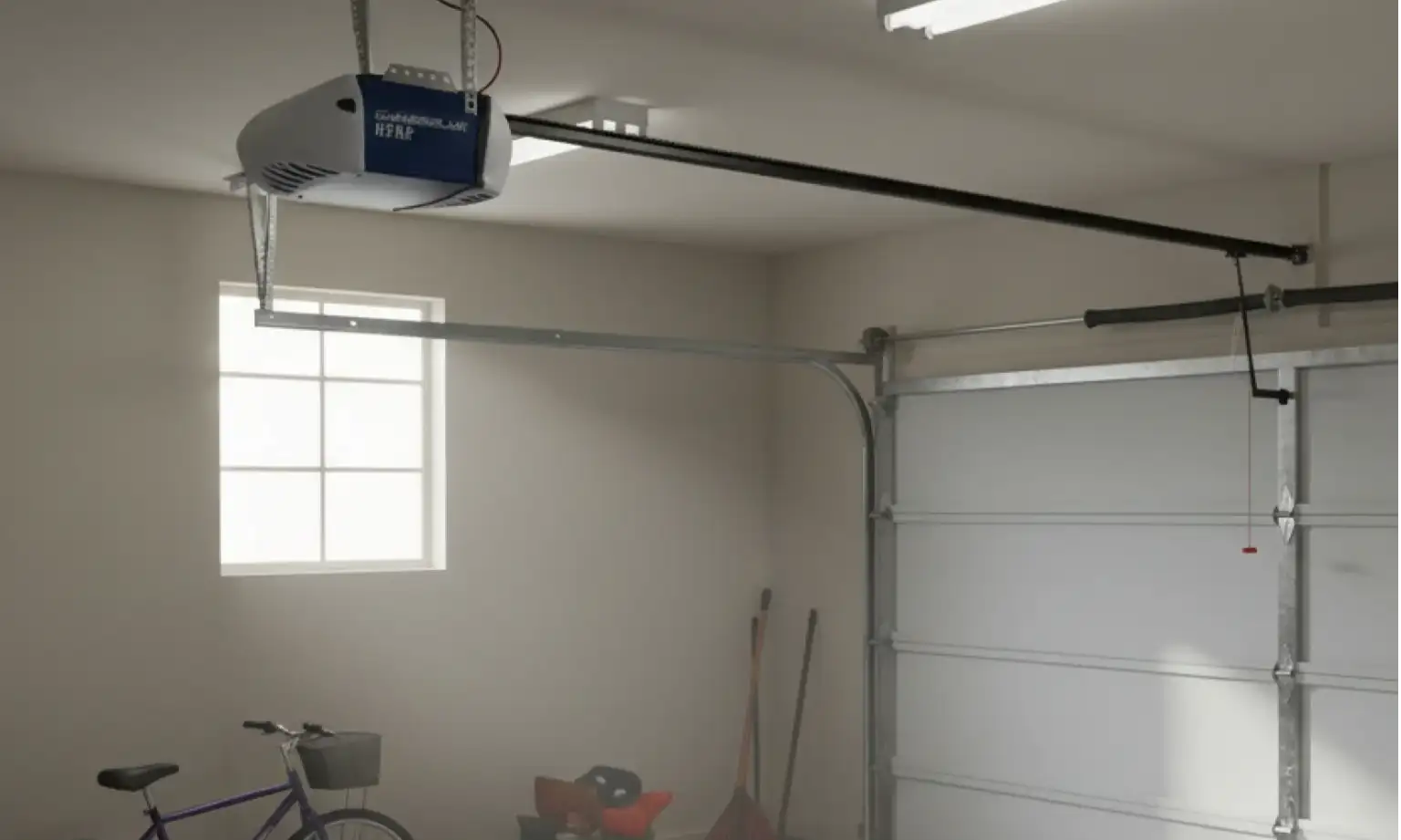
Often, the problem lies with the safety eyes near the floor. When garage door sensors are not working properly, the opener treats that situation as if something’s in the way and keeps the door from closing to protect anyone nearby.
Check the LEDs
: Both sensors (sending and receiving) should have solid, glowing lights.Inspect for Obstructions
: Spiders, leaves, or even a misplaced shovel can block the infrared beam.Align the Eyes
: If your garage door opener is flashing a yellow light (or keeps clicking), the sensors might be misaligned. Loosen the wing nuts slightly and adjust them until the LEDs stabilize.
For a deeper look at getting these aligned correctly, read our guide on how to reset garage door sensors.
Chamberlain Garage Door Opener Error Codes and Remotes
Modern units are smart enough to tell you what’s wrong — you just need to know how to read the signals.

Understanding Chamberlain Error Codes
When the diagnostic LED on the motor unit flashes, count the blinks. These Chamberlain garage door opener error codes point to specific issues, such as a loose wire, a motor overload, or a bad circuit board. Your owner’s manual or the label on the opener cover will usually list what each blink pattern means.
On many Chamberlain models, blink patterns indicate:
- 1 flash: Sensor wire issue or broken/loose wire
- 2 flashes: Sensor wire shorted or reversed
- 3 flashes: Door control or wiring problem
- 4 flashes: Safety sensors misaligned or blocked
- 5+ flashes: Internal error, motor, or logic board issue (varies by model)
Exact meanings can differ by unit, so always double-check your owner’s manual or the label on the opener cover to confirm what each blink pattern means for your specific model.
Fixing Remote and Keypad Problems
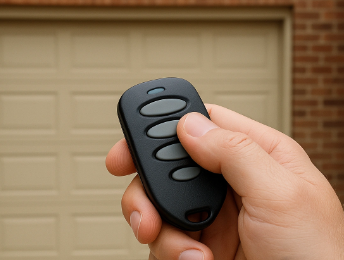
If the motor runs from the wall switch but not from the handheld clicker, you’re probably dealing with a Chamberlain remote not pairing or simple battery trouble.
Replace Batteries
: Start here. A weak coin battery (often a CR2032) can cause intermittent or weak signals.Clear Memory
: If a garage keypad reset or full reprogram is needed, hold down the “Learn” button on the motor unit for around six seconds to clear out the existing codes.Reprogram Remotes/Keypad
: Press the “Learn” button again, then press the remote button or type in your keypad code. The light on the opener will flash to confirm the new pairing.
Interference from certain LED light bulbs or nearby radio equipment can also interrupt the signal. If you’re still stuck after trying these steps, check our article on how to fix a garage door opener remote or schedule a visit with Up & Down Garage Doors for hands-on troubleshooting and programming help.
When the Garage Door Reverses Unexpectedly
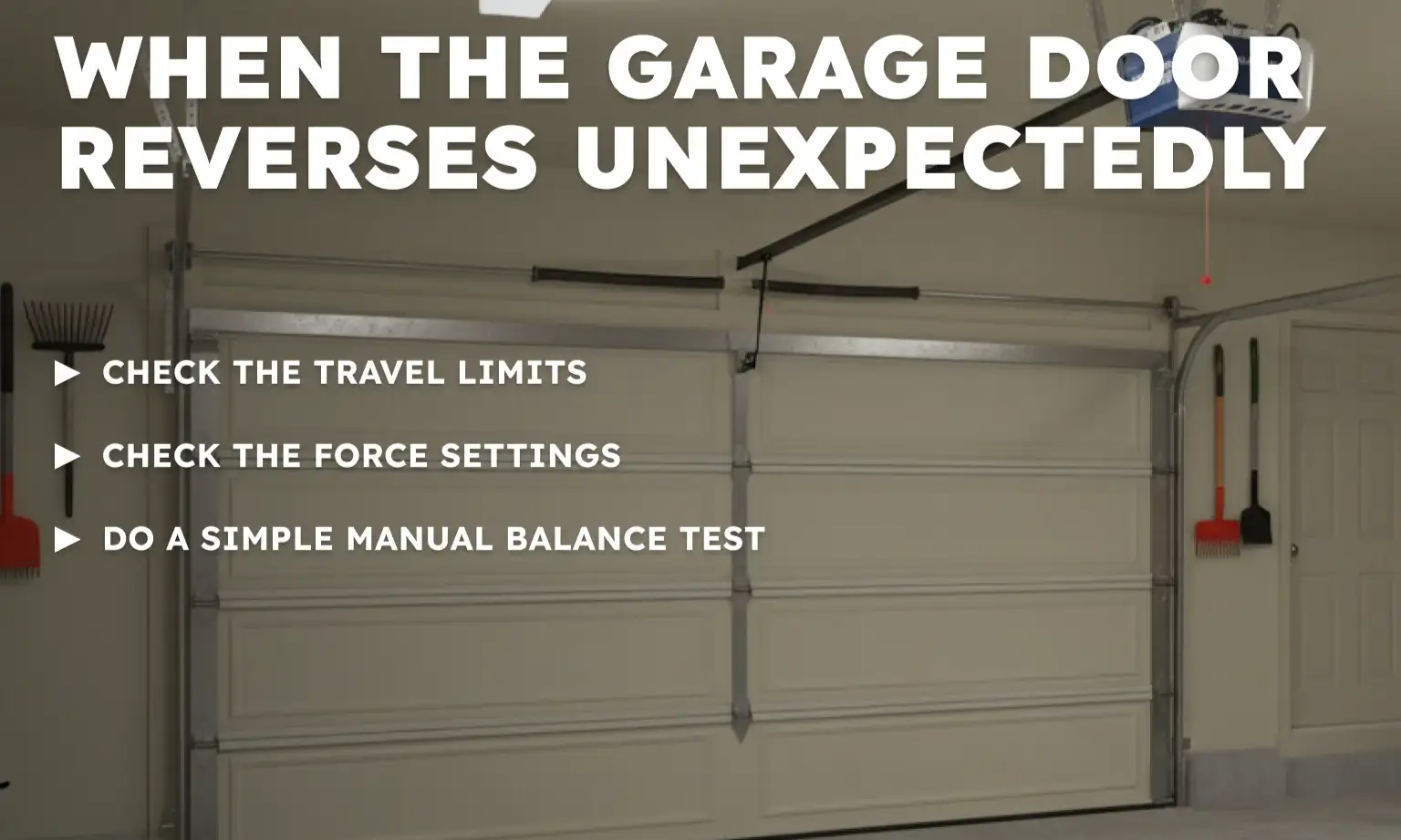
Few things are more annoying than a door that touches the floor and immediately goes back up. If your garage door reverses unexpectedly, the travel limits or force settings likely need adjustment.
Check the Travel Limits
Travel limits tell the motor how far to move the trolley (the part on the rail that connects to the door arm). If the down limit is set too far, the door hits the concrete and the opener thinks it has struck an object, so it triggers the safety reversal and sends the door back up.
Check the Force Settings
If the door meets too much resistance from sticky tracks, bent hardware, or rusted rollers, the opener’s force sensor can trip and reverse the door. In that case, you may need both a light force adjustment and some basic hardware maintenance.
Do a Simple Manual Balance Test
Pull the emergency release cord to disconnect the door from the opener, then lift the door by hand. It should move smoothly and stay about halfway open without slamming shut or shooting up. If it feels very heavy or won’t stay in place, you’re likely dealing with a spring or balance problem — not an opener issue.
For more details on mechanical obstructions and balance problems, see our post on 5 reasons your garage door won’t close.
Need more information?
Get a free quote
Chamberlain Garage Door Opener Troubleshooting: What’s Next?
At this point, you’ve seen that Chamberlain garage door opener troubleshooting doesn’t always mean tearing the system apart or replacing the motor. Starting with the basics — power to the unit, sensor alignment, error code meanings, and simple remote/keypad resets — can often get your door working again without major repairs or guesswork.
If you’ve checked the basics and the door still won’t behave, you may be dealing with a spring, logic board, or electrical problem that needs professional help. Up & Down Garage Doors can handle garage opener diagnostics and anything from a quick adjustment to a full opener replacement. Schedule garage door repair, and we’ll get your garage door working the way it should again.
Frequently Asked Questions
How do I fix my Chamberlain garage door opener if the light is flashing?
Count the flashes to identify the error code. One flash usually indicates a sensor wire break, while five flashes might mean the motor is overheating. Consult your Chamberlain garage door opener manual for the specific code chart.
Why is my Chamberlain remote not working even with new batteries?
You may need to reprogram it using the “Learn” button on the motor housing. Also, check if the “Lock” button on the wall control is active, as this blocks all remote signals.
Can I reset the logic board on my opener?
Yes, you can unplug the unit for 30 seconds to discharge the capacitors and reset the electronics. This often clears temporary glitches with your Chamberlain opener.
Can I fix Chamberlain logic board issues myself?
You can rule out simple problems before trying to fix Chamberlain logic board issues. Check the outlet, breakers, sensors, and remotes first. If the opener still acts erratically, shows persistent error codes, or only clicks without moving the door, the logic board may be failing. At that point, it’s safer to have a technician test and replace the board rather than opening the electronics yourself.
How do I reset Chamberlain garage door opener settings?
To reset Chamberlain garage door opener settings, press and hold the “Learn” button on the motor head for about six seconds until the LED goes out. This clears all remote and keypad codes. After that, you’ll need to reprogram your remotes and keypad by pressing the “Learn” button again and pairing each device one at a time.
Why is my garage door opener flashing yellow light?
A garage door opener flashing yellow light usually points to sensor problems or a lock/vacation mode being active. Start by checking the photo-eyes near the floor to make sure both LEDs are solid, the lenses are clean, and nothing is blocking the beam. Then check that the wall control isn’t in “Lock” mode, which can also trigger a flashing indicator.
You may also like