How to Program a Garage Door Keypad: Step-by-Step Guide
Published: Dec 4, 2025
Programming a garage keypad makes everyday access easier and keeps your property more secure. Many homeowners want to know how to program a garage door keypad because it helps manage entries, update codes, and improve garage access control. Up & Down Garage Doors often receives questions from customers who are upgrading their keypad or setting up a new one for the first time. This guide explains each part of garage door keypad programming in a simple, reliable way you can follow at home.
Understanding Garage Door Keypad Programming
Why Keypad Programming Matters
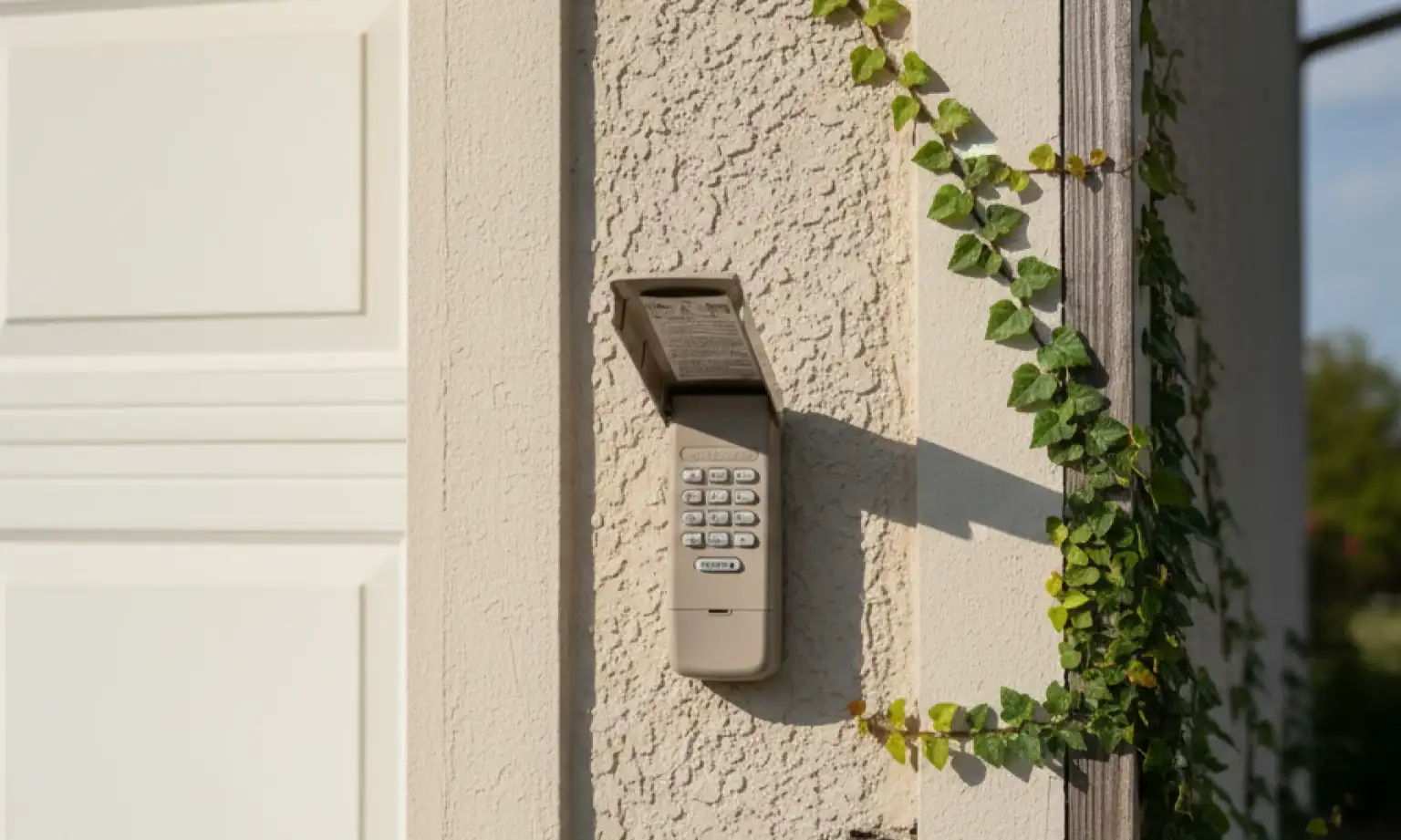
A working garage keypad lets you get in and out without a remote or key — which is especially useful for families, guests, or service visits. It adds a layer of convenience and security by letting you control who can enter your garage. Regularly updating your code also helps keep your garage access control system safe and up to date.
What You Need Before You Begin
Make sure you can access the opener unit inside the garage, since the keypad programming process usually starts by using the “Learn” button on the motor. If you want to upgrade or replace the keypad instead, take a look at this helpful guide: how to install a garage door keypad.
How to Program a Garage Door Keypad: Step-by-Step Instructions
Step 1: Find the “Learn” Button on Your Garage Door Opener
To start, look at your garage door opener unit — the one mounted on the ceiling. You’ll see a small button labeled “Learn” or “Program.” It’s usually near the light cover or the back panel. You may need a ladder to reach it safely. This button begins the garage door keypad programming process.
Step 2: Put the Opener in Programming Mode
Press and release the “Learn” button once. A small light on the opener will turn on or blink. This means it’s ready to connect to your keypad. You’ll now have about 30 seconds to complete the next step, so make sure you’re ready.
Step 3: Enter a New PIN on the Keypad
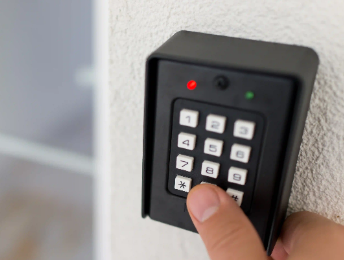
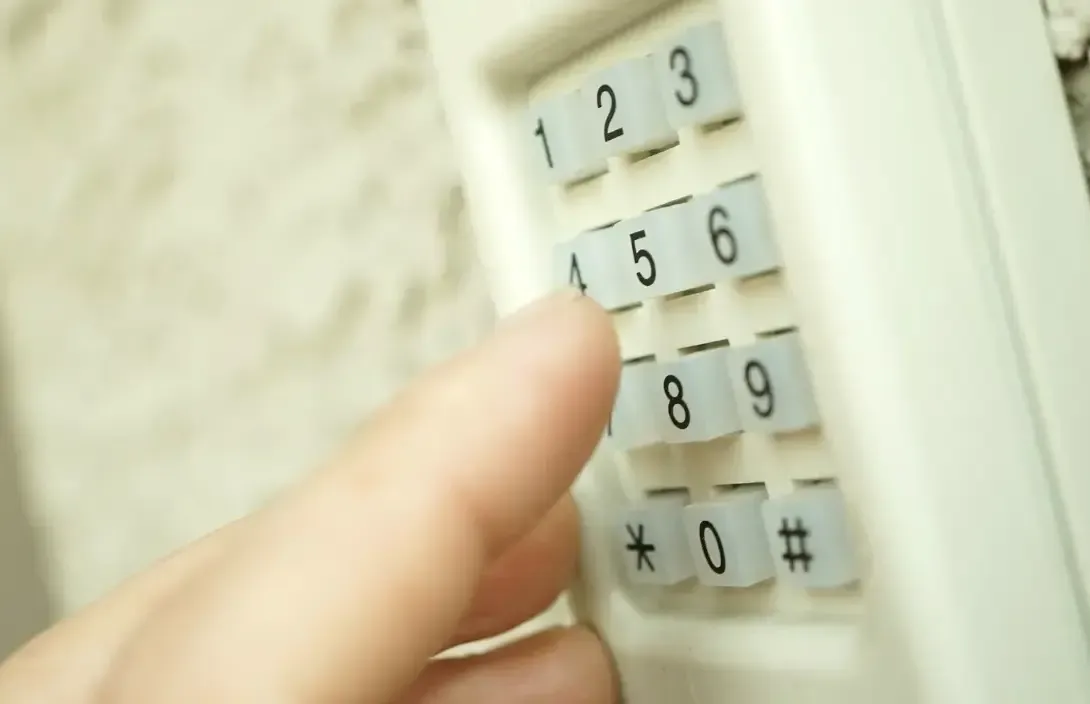
Go to the wall-mounted or wireless keypad. Type in a 4-digit PIN that’s easy for you to remember — but hard for others to guess. Some systems allow up to 6 or 8 digits. Then, press the button that confirms your code — this is usually marked with a “#”, “Enter”, or a checkmark. If the garage door keypad blinks fast, that’s a good sign the code was accepted.
Step 4: Test the Code to Make Sure It Works
Wait a few seconds, then enter your new PIN on the keypad again. After typing the code, press the same confirmation button you used before — usually “#” or “Enter.” If the door moves, your keypad programming worked. If nothing happens, try the steps again slowly. When the keypad still doesn’t save your new PIN or the old code keeps working, you may need to reset your garage door keypad, depending on your opener model.
Extra Tips for Smooth Keypad Programming
Keep the Keypad Clean:
Dirt and dust can affect number entry during programming the garage door keypad. Wipe the surface occasionally to avoid stuck buttons.Use Secure PIN Choices:
Avoid predictable codes like birthdays or repeated numbers. A strong PIN supports better garage access control.Know When to Call for Help:
If the keypad doesn’t program after several attempts, or if the “Learn” button is unresponsive, check our garage door keypad troubleshooting guide to explore the most common issues and fixes. And if the problem continues, Up & Down Garage Doors can inspect your opener and complete your keypad setup safely.Need more information?
Get a free quote
Reliable Keypad Programming with Up & Down Garage Doors
A properly programmed garage keypad makes daily access easier and more secure — no keys, no hassle. Taking a few extra moments to set a strong PIN and follow the steps carefully can save you from future issues. If the DIY didn’t work or your system isn’t responding, Up & Down Garage Doors is here to help. With years of experience in keypads, openers, and full garage door systems, our team offers fast, reliable service you can trust. Whether you’re troubleshooting or need professional garage door opener services, contact us today — we’re always ready to handle repairs, updates, or installations.
Frequently Asked Questions
How to program a garage door keypad without an enter button?
If your keypad doesn’t have a button labeled “Enter,” look for a confirmation button like “#” or a checkmark. On some models, you may need to press the “Learn” button again to confirm the code instead.
How to program a universal garage door keypad?
Start by pressing the “Learn” button on the opener. Enter your chosen PIN, then press the confirmation key (usually “#” or “Enter”). Some models require repeating this process twice to complete syncing.
How to program a Genie garage door keypad?
Press and release the “Learn” button on the opener. On the keypad, enter your PIN and press the Program key (or “#”). Wait for the opener light to blink — that confirms it worked.
How do you program a LiftMaster keypad?
On LiftMaster systems, press the “Learn” button, then enter your new PIN on the keypad. Press and hold the “Enter” key until the opener light flashes to confirm the code was saved.
How to reprogram a Chamberlain garage door keypad?
Hold the “Learn” button on the motor until the light goes out — this clears the old code. Press it again to start fresh programming. Then enter your new PIN on the keypad and press “Enter” to finish.
You may also like