How to Program a LiftMaster Garage Door Opener Keypad
Published: Jan 2, 2026
Knowing how to program a LiftMaster garage door opener keypad is important when setting up a new garage system, replacing an old keypad, or changing your access code. A keypad gives you secure, key‑free entry without relying on remotes. In this guide, Up & Down Garage Doors explains how LiftMaster keypad programming works, when reprogramming is necessary, how to reset the keypad, and how to troubleshoot common problems.
Common Reasons to Reprogram Your LiftMaster Keypad
Reprogramming means updating or resetting your keypad to work with your opener and a new PIN. It’s not just for new installations — there are several situations where reprogramming is the smart (or necessary) choice:
You Moved into a New Home
If the previous owners didn’t reset the keypad, someone else may still have access. Reprogramming protects your security.
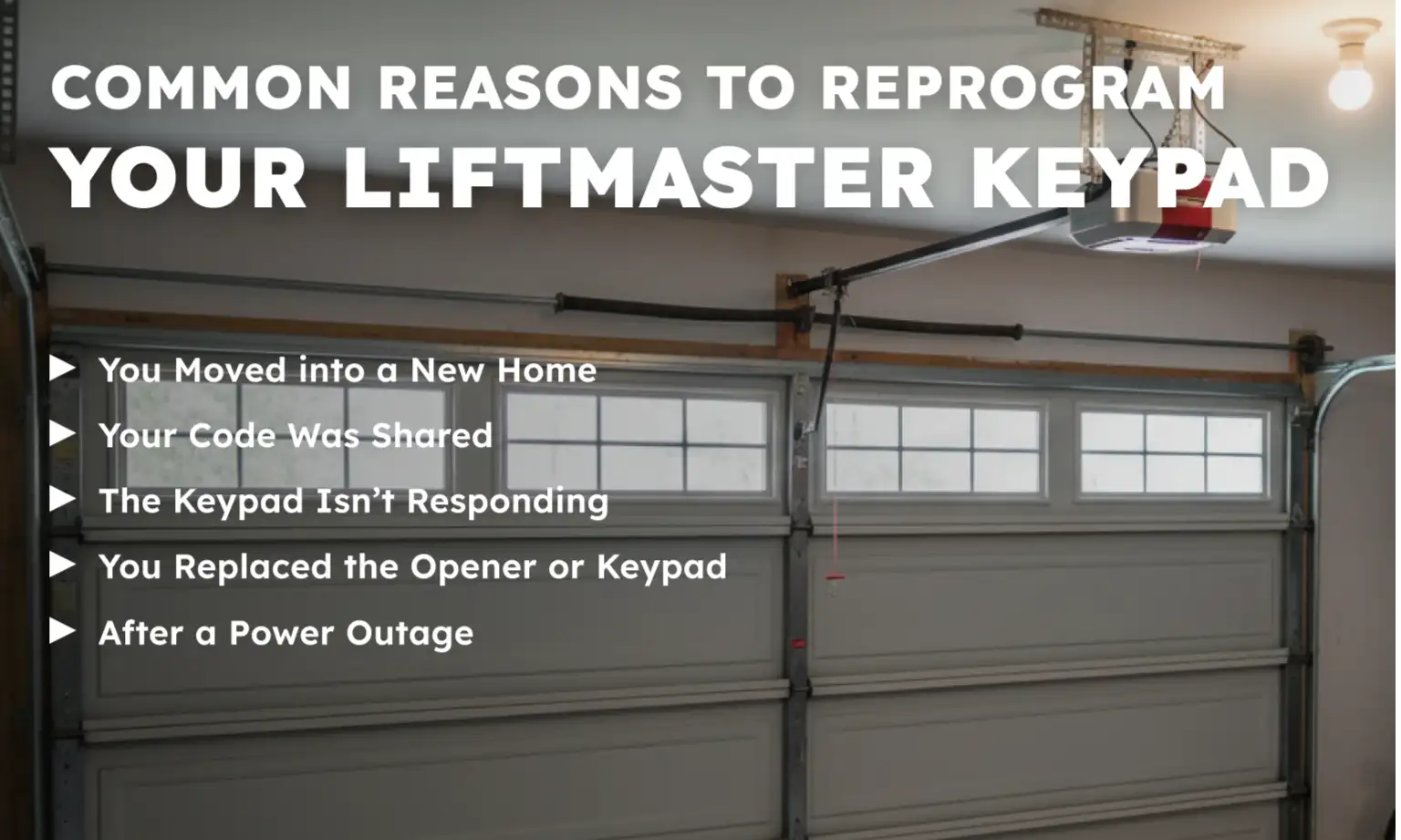
Your Code Was Shared
If you’ve given the code to guests, workers, or delivery services, changing it helps keep access limited.
The Keypad Isn’t Responding
Glitches, weak batteries, or accidental settings changes may cause the keypad to stop working — reprogramming can fix it.
You Replaced the Opener or Keypad
If you’ve installed a new opener or keypad, they won’t work together until they’re programmed to connect. Reprogramming ensures they’re properly synced.
After a Power Outage
Sometimes, power issues can disrupt your system’s memory. A fresh setup can restore normal operation.
How to Program a LiftMaster Garage Door Opener Keypad (Step‑by‑Step)
Follow these steps for standard LiftMaster keypad programming:
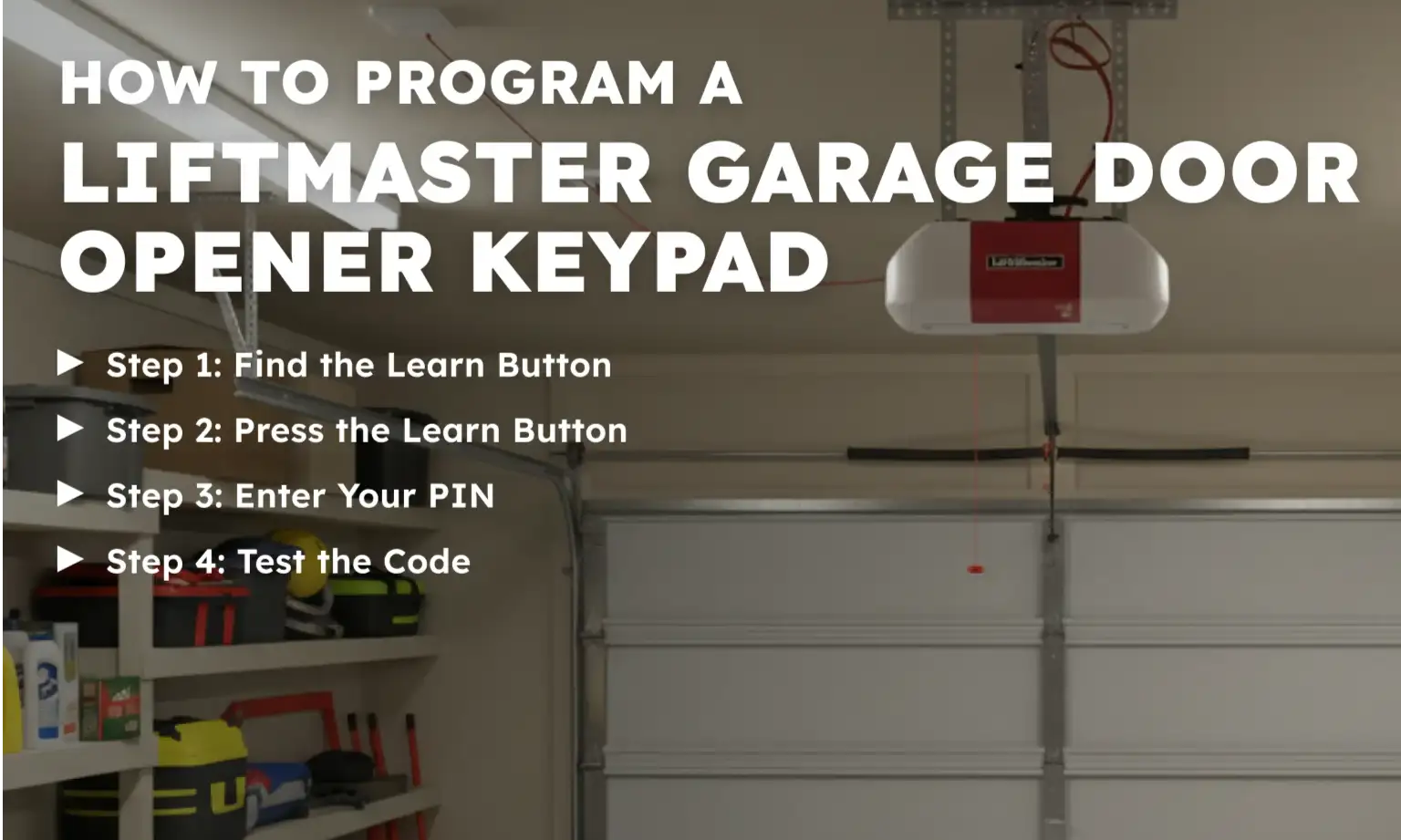
Step 1: Find the Learn Button
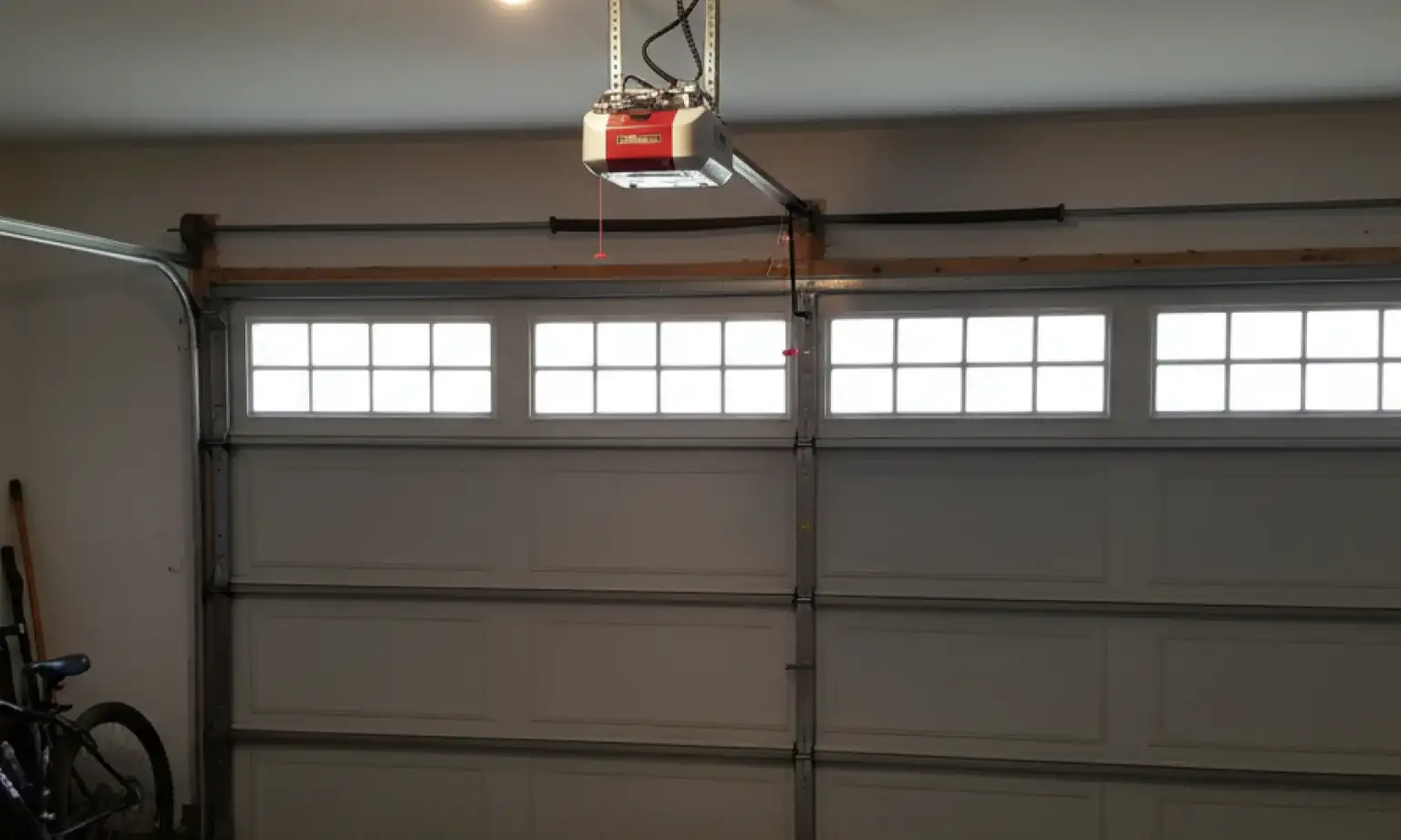
Locate the Learn button on your garage door opener motor. It’s usually under a light cover and colored yellow, red, orange, or purple.
Step 2: Press the Learn Button
Press and release the Learn button. A light next to it will turn on — this gives you about 30 seconds to continue.
Step 3: Enter Your PIN
Go to the keypad. Type in a new 4-digit PIN (example: 1234), then press the ENTER button. The opener light will blink or click, confirming it’s paired.
Step 4: Test the Code
After a few seconds, re-enter the PIN and press ENTER to ensure the door opens and closes properly.
For a general setup guide that applies to many systems, you can also review our guide on how to program a garage door keypad with detailed step-by-step instructions.
A Few Smart Tips for Successful LiftMaster Keypad Programming
- Program during daylight so you can easily see the Learn button color.
- Double-check battery strength before starting. A weak or dying battery can cause programming to fail.
- Always stand within range of the opener during programming to avoid communication issues.
- If you use a universal garage door keypad setup, follow brand-specific pairing instructions.
5 Common LiftMaster Garage Door Keypad Problems — and How to Fix Them
If your keypad isn’t working as expected, there’s usually a simple fix. Before assuming it needs to be replaced, try these quick ways to troubleshoot your garage door keypad. Most of the time, it’s something minor — like a battery, a programming issue, or a simple reset.
1. Keypad Isn’t Lighting Up
This usually means the battery is dead or not installed correctly. Replace the LiftMaster garage door keypad battery, then test the keypad again.
2. Keypad Lights Up, but Door Doesn’t Move
The keypad may be out of sync with the opener. Try reprogramming it using your PIN and the Learn button. If that fails, reset and pair it again following the full setup process.
3. Code Is Entered, but Nothing Happens
Double-check your PIN and enter it steadily. Some systems may not register slow or uneven button presses.
4. Keypad Stopped Working After a Power Outage
Power loss can cause the opener to forget the keypad connection. In this case, perform a full reset and reprogram the keypad again.
5. New Keypad Won’t Program
Make sure you’re using the correct programming steps for your model. For older or universal garage door keypads, instructions may differ. Always check compatibility.
Need more information?
Get a free quote
Still Stuck? Call the Experts at Up & Down Garage Doors
If you’ve tried everything and your keypad still won’t program, keeps disconnecting, or doesn’t respond at all, don’t waste another minute guessing what’s wrong — it may be time to bring in a professional. At Up & Down Garage Doors, we offer expert garage door opener services — including keypad installation, troubleshooting, and system repairs.
Let our technicians handle the tricky parts, so you can get back to reliable, hassle-free garage access. Reach out today to schedule service or get friendly advice tailored to your garage setup.
Frequently Asked Questions
How to program a LiftMaster garage door opener keypad without an enter button?
If your keypad doesn’t have an ENTER button, it likely uses a different sequence, such as holding a specific key (like the # or * key) after entering the PIN. Refer to your model’s manual or ask a technician for exact instructions.
How to change the code on a LiftMaster keypad?
To change the code, press the Learn button on the opener, enter your new 4-digit PIN on the keypad, and press ENTER. This will overwrite the previous code.
How to program a LiftMaster garage door opener keypad without a code?
Programming always requires a PIN to be set. If you’ve lost your code, you’ll need to reset the keypad and create a new one during the programming process.
How to program an old LiftMaster garage door opener keypad?
Older models may require additional steps, like holding the Learn button longer or using a different key combination. If you’re unsure, check the model number and follow brand-specific programming instructions.
Why does my LiftMaster keypad stop working?
The most common reasons include a dead battery, a lost connection to the opener, or interference from a power outage. Replacing the battery and reprogramming the keypad usually solves the problem.
You may also like