Our company logo

State

The Complete Guide to Power Outage-Proofing Your Garage


Published: Mar 18, 2026

It’s a classic scene: a thunderstorm is raging, you’re rushing to leave for an important appointment, and just as you hit the remote, the power cuts out. Your garage door, your main exit, is now a one-ton wall holding you hostage. That sinking feeling of being trapped is an anxiety every homeowner understands. What's your emergency plan for your garage?

For most, the plan involves fumbling in the dark for a manual release cord they've never used. But what if there was a better way? What if your garage door could be completely immune to power outages, giving you uninterrupted access and peace of mind, no matter the weather?

This guide isn't just another list of products. It’s a complete resource for solving that deep-seated anxiety. We'll explore the technology that makes your garage truly reliable, how to choose the right system, and exactly what to do when the lights go out.

The Two Pillars of Uninterrupted Access: Smart Tech & Battery Backup


Historically, a garage door opener was a simple motor that ran on household electricity. No power, no entry. Today’s best systems are built on two powerful technologies that work in perfect harmony:

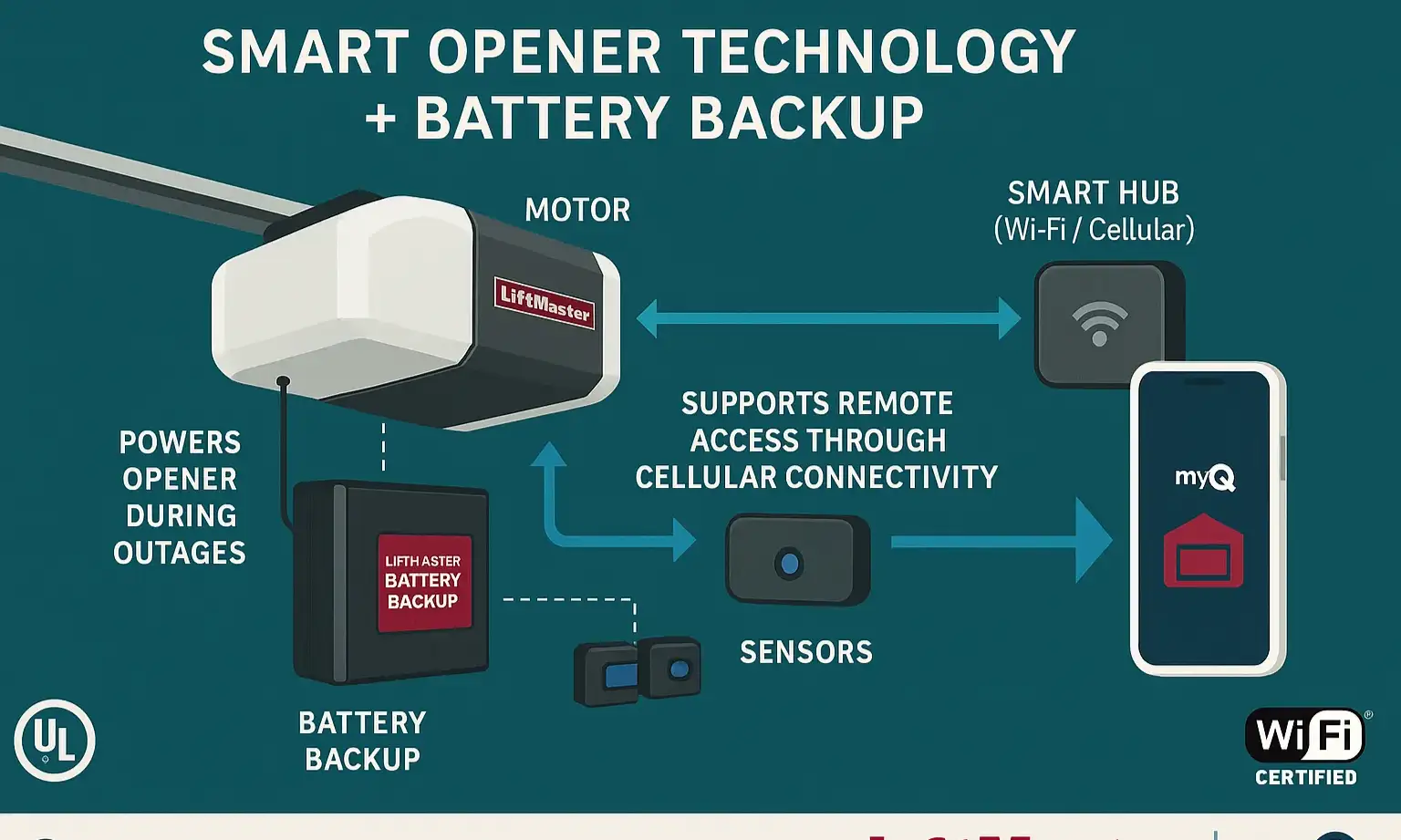
  1. Smart Technology (The Brain): This is the Wi-Fi connected part of your opener that allows you to control and monitor your garage door from anywhere using your smartphone. Features like remote access, delivery notifications, and scheduling are all part of the smart garage features ecosystem. You’ve probably wondered, "can I open my garage door with my smartphone?" With a smart opener, the answer is a definitive yes.
  2. Battery Backup (The Heart): This is a dedicated, rechargeable battery integrated directly into the opener's motor housing. When AC power is lost, the system automatically switches to this DC power source. This isn't just a simple battery; it's the lifeline that keeps your system operational.
The real magic happens when they work together. When the power goes out, your home Wi-Fi will likely go down too. But your smartphone, running on cellular data, can still communicate with your smart opener, which is being kept alive by its battery backup. This creates a powerful scenario: you can be miles away and still open the garage for a family member who's locked out during a storm. This synergy transforms a convenience feature into a critical home access and security tool.

Building: How to Choose Your Uninterrupted Access System


Choosing the best smart garage door opener with a reliable battery backup involves more than just picking one off the shelf. It’s about matching the system to your specific needs for power, quietness, and connectivity.

Step 1: Calculate Your Power Needs (Horsepower)

The power of an opener, measured in Horsepower (HP), determines how easily it can lift your garage door. Choosing the right HP ensures longevity and smooth operation. For a detailed breakdown, our guide on what size garage door opener do i need is a great resource.
  • ½ HP: Sufficient for most single-car sectional aluminum doors.
  • ¾ HP: The sweet spot for most double-car doors or single-car doors made of heavier materials like wood or insulated steel.
  • 1+ HP: Ideal for oversized, custom, or very heavy wood carriage-house style doors.

Step 2: Choose Your Drive Type (Quiet vs. Rugged)

The drive type dictates the mechanism that pulls the door up and down, directly impacting noise and maintenance.

  • Chain Drive: The most common and affordable option. They are very reliable but can be noisy, making them better for detached garages.
  • Belt Drive: Uses a steel-reinforced rubber belt, resulting in whisper-quiet and smooth operation. This is the top choice for garages attached to living spaces.
There are several other types of garage door openers, but these two are the most popular for residential homes.

Step 3: Evaluate the Battery Backup System

Not all battery backups are created equal. When making your choice, ask these critical questions that many guides overlook:
  • How many cycles does it provide? Look for a battery that offers at least 20-50 open/close cycles on a single charge.
  • How long does it last? The battery should be able to hold its charge for 1-2 days of standby power.
  • What is the battery's lifespan? Most have a lifespan of 2-3 years. Check how easy and expensive it is to replace.
  • Are there alerts? A good system will have an audible beep and a flashing LED light to let you know it's running on battery power and when the battery is low.
A dedicated battery backup garage door opener is a crucial component for modern home preparedness.

Step 4: Match the Smart Ecosystem

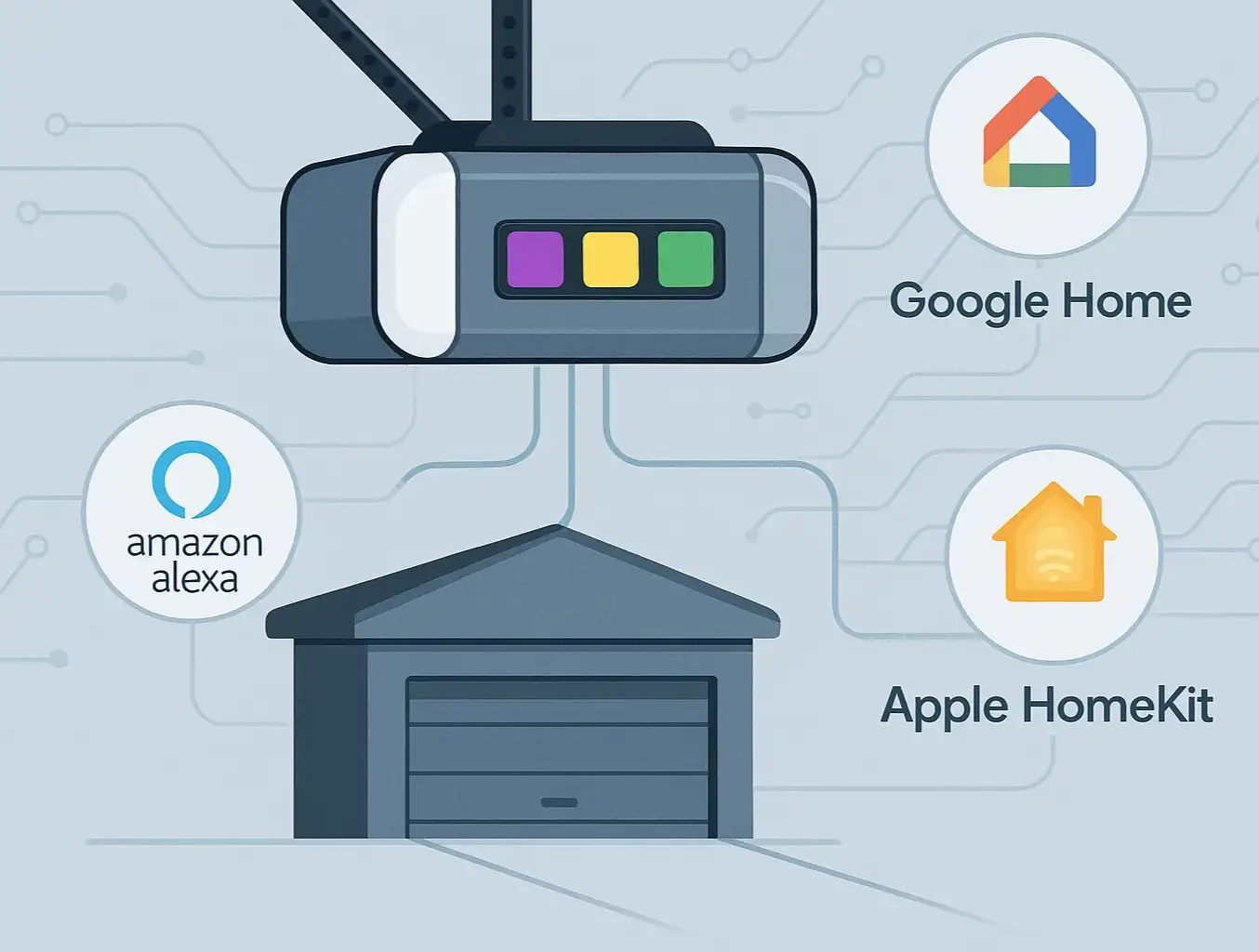
Ensure the opener is compatible with your existing smart home setup. The most common platform is myQ (used by Chamberlain, LiftMaster, and others), which often integrates with systems like Google Home and Apple HomeKit. Always double-check the specific smart garage door opener compatibility to ensure seamless integration.

Mastery: Your Power Outage Action Plan

Owning the right equipment is only half the battle. Knowing how to use it—and what to do if you need a manual backup plan—is what provides true confidence.
Understanding how battery backup and smart technology combine ensures you never get locked out, even when the power fails.

How to Manually Open Your Garage Door (The Last Resort)

If your opener doesn't have a battery backup, or if the battery has been depleted, you'll need the manual emergency release.

  1. Ensure the Door is Closed: This is critical. Disengaging the opener with the door open can cause it to slam shut, creating a serious safety hazard.
  2. Locate the Release Cord: This is the red cord with a handle hanging from the opener's trolley mechanism.
  3. Pull the Cord: Pull straight down firmly. You should hear a click as the trolley disconnects from the drive mechanism.
  4. Lift the Door Manually: Lift the door until it stops. If the door is properly balanced, it should be relatively easy to lift and should stay open on its own.
  5. Re-engaging the Opener: Once power is restored, you'll need to know how to reconnect garage door opener systems, which usually involves pulling the cord again or running the opener until it clicks back into place.

How to Test Your Battery Backup System (A Monthly Check-up)

Don't wait for an outage to discover your battery is dead. Perform this simple test once a month:
  1. Close your garage door.
  2. Unplug the main power cord for the garage door opener from the ceiling outlet.
  3. Use your remote or wall panel to open and close the door.
  4. Listen for beeps and check for status lights. This confirms the system knows it's on battery power.
  5. Plug the opener back in. The system should resume normal operation and begin recharging the battery.
Understanding how battery backup and smart technology combine ensures you never get locked out, even when the power fails.

Need more information?

Action: Your 5-Minute Garage Emergency Prep
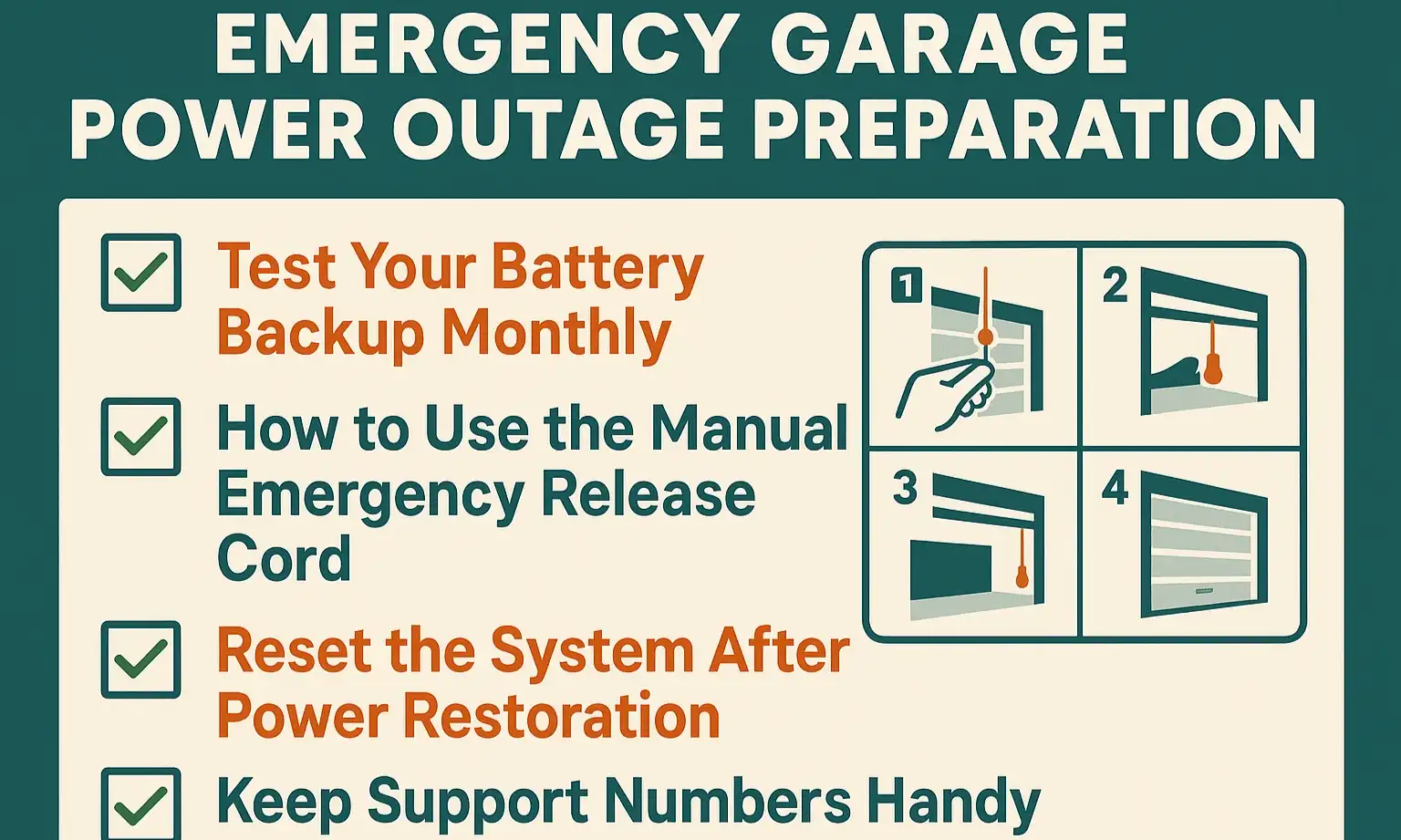

Your quick-reference emergency prep checklist to maintain reliable, uninterrupted garage access during power outages.
Preparedness is about simple, repeatable actions. Use this checklist to ensure you’re always ready. For an easy reference, print it out and stick it to the wall near your garage door opener.

Your quick-reference emergency prep checklist to maintain reliable, uninterrupted garage access during power outages.

Frequently Asked Questions


Is a battery backup for my garage door opener really worth it?

Absolutely. Considering the frequency of power outages from storms, grid strain, or local issues, a battery backup is a small investment for significant peace of mind and safety. It ensures you and your family are never trapped in or out of your home.

Do all smart garage door openers come with a battery backup?

No, they don't. While many modern belt-drive openers offer it as a standard or optional feature, it’s crucial to verify. Many chain-drive or budget models do not. When shopping, "Battery Backup" should be a primary feature on your checklist.

How do I know if my current opener has a battery backup?

Look at the motor unit on your ceiling. Models with a battery backup will often have a compartment for the battery (sometimes with a visible cover) and an LED light that indicates battery status (e.g., green for charged, orange for charging, red for needs replacement). If you're unsure, check your model number online. A common question homeowners ask is "do garage door openers have batteries," and the answer depends entirely on the model.

What happens after the power comes back on?

Once power is restored, the opener will automatically switch back to AC power and begin recharging the battery. In some cases, you may need to reset limits or reconnect to Wi-Fi. If you're having issues, a guide on how to fix garage door not working after power outage can provide specific steps.

Can I add a battery backup to my existing opener?

For some models, yes. Manufacturers like Chamberlain and LiftMaster sell add-on battery backup kits for specific compatible openers. However, for many older or different branded models, this isn't an option, and a full replacement is necessary. If you are considering an upgrade, a wi-fi garage door opener installation guide can help you understand the process.

You may also like


blog photo

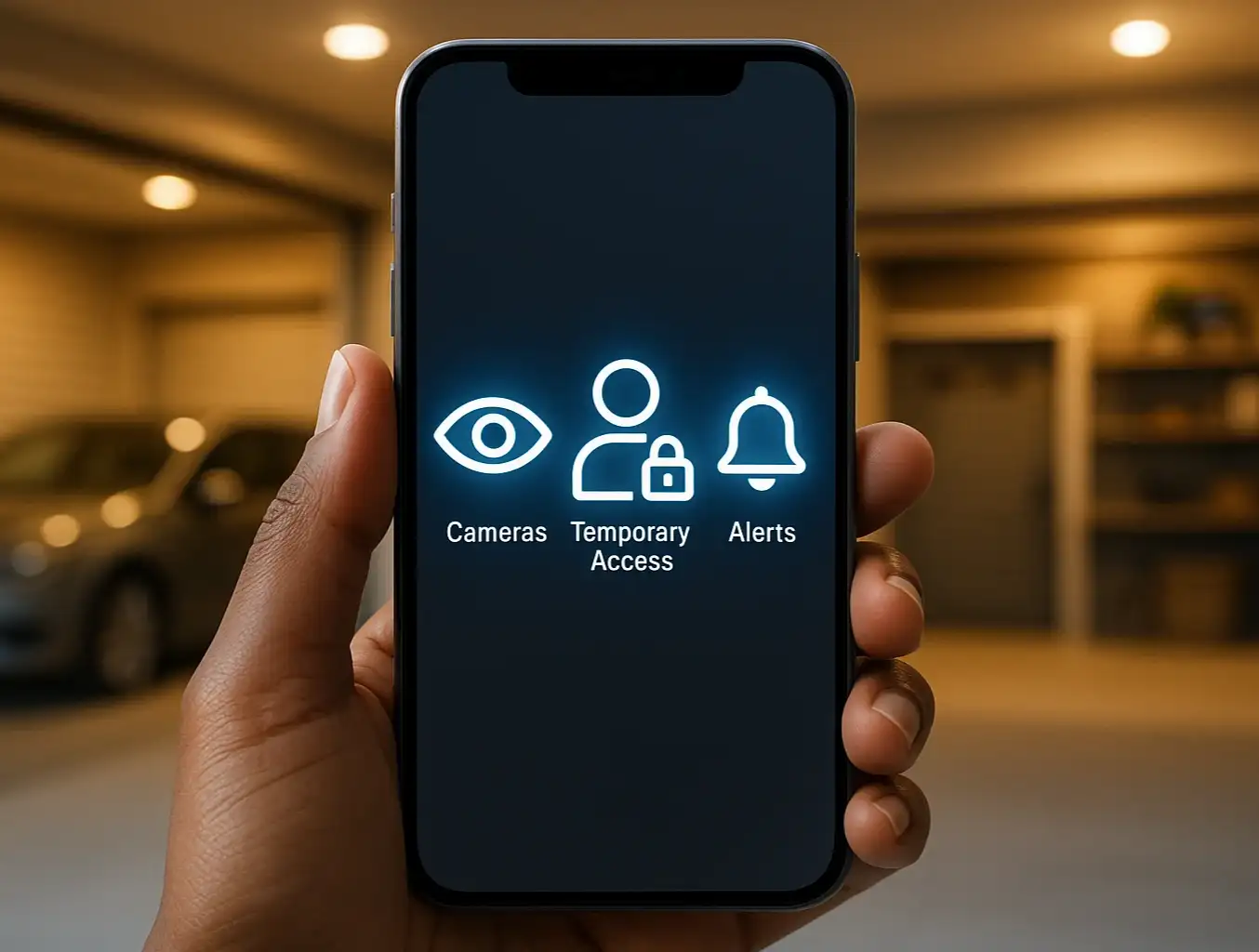
A Homeowner's Guide to Smart Garage Security Features

Remember the days of clipping a clunky remote to your car's sun visor? For decades, that was the peak of garage door technology. But just as our phones have evolved into pocket-sized computers, our garages have become a major hub of smart home innovation. Today, your garage door isn't just an entry point; it's a key part of your home's security nervous system. Many of us now use the garage as our primary entrance. It’s where we welcome our families, receive packages, and store valuable belongings. This shift means we need to think differently about garage door protection. A smart garage door opener does more than just open and close on command—it offers a suite of security features designed for modern life. But with so many options, how do you know which ones are right for you? This guide will walk you through the most important security features available today, moving beyond the basic question of "is it safe?" to a more empowering one: "Which features will make my life easier and my home more secure?"

blog photo

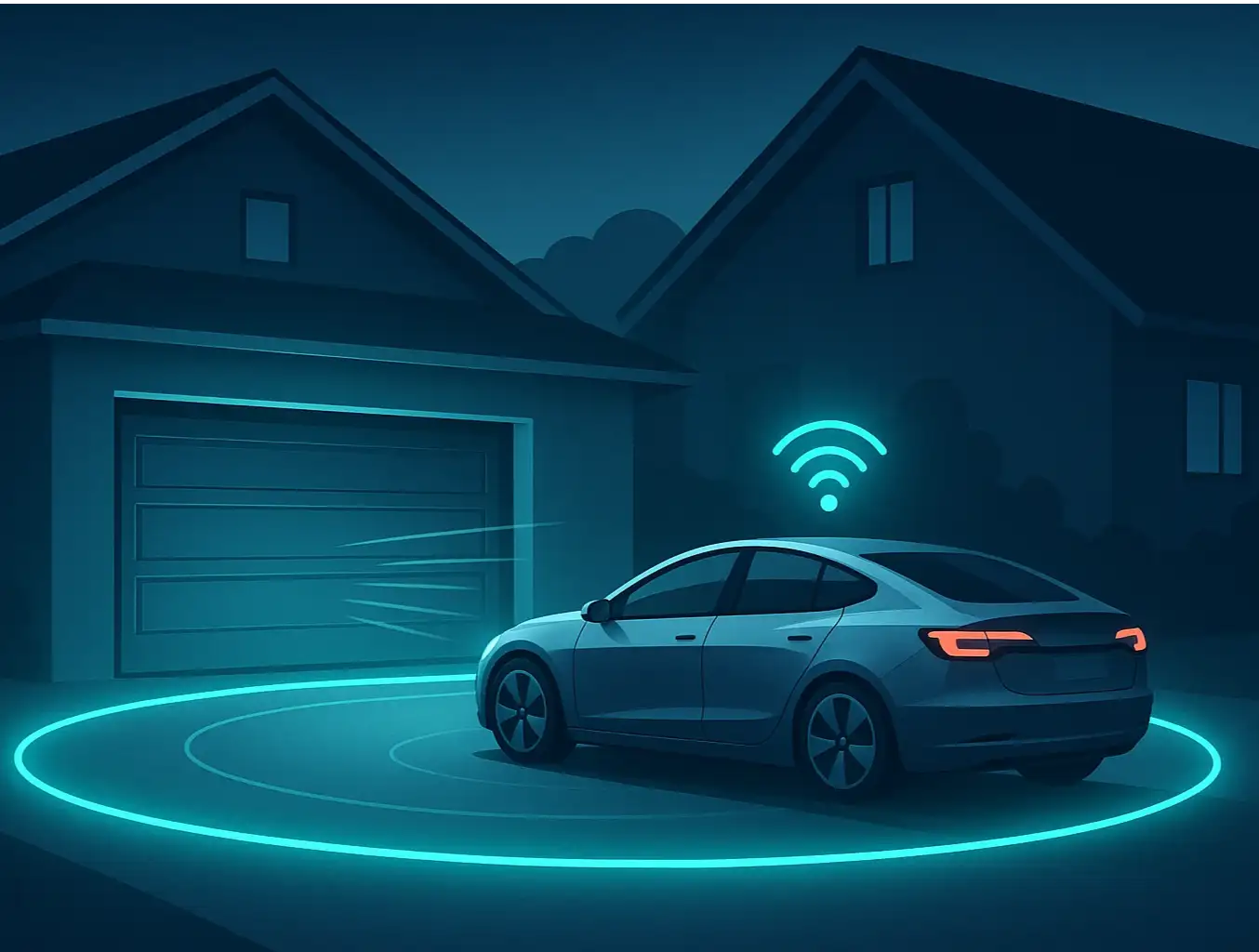
The Ultimate Guide to Automated Garage Entry with Geofencing

Imagine this: You're driving home after a long day. As you turn onto your street, your garage door magically begins to open, welcoming you home without you ever touching a button. You pull straight into the garage, protected from the rain or snow, and the door closes securely behind you. This isn't magic—it's geofencing. And while it promises a seamless, automated experience, many homeowners find the reality can be a little less reliable. One day it works perfectly, the next it doesn't. Or it works for you, but not for your partner. If you've been intrigued by the promise but frustrated by the performance, you're in the right place. This guide moves beyond the "what is it" articles to give you a complete playbook for setting up, troubleshooting, and mastering geofencing for your smart garage door.