Garage Door Learn Button Not Working for Your Car
Published: Mar 27, 2026
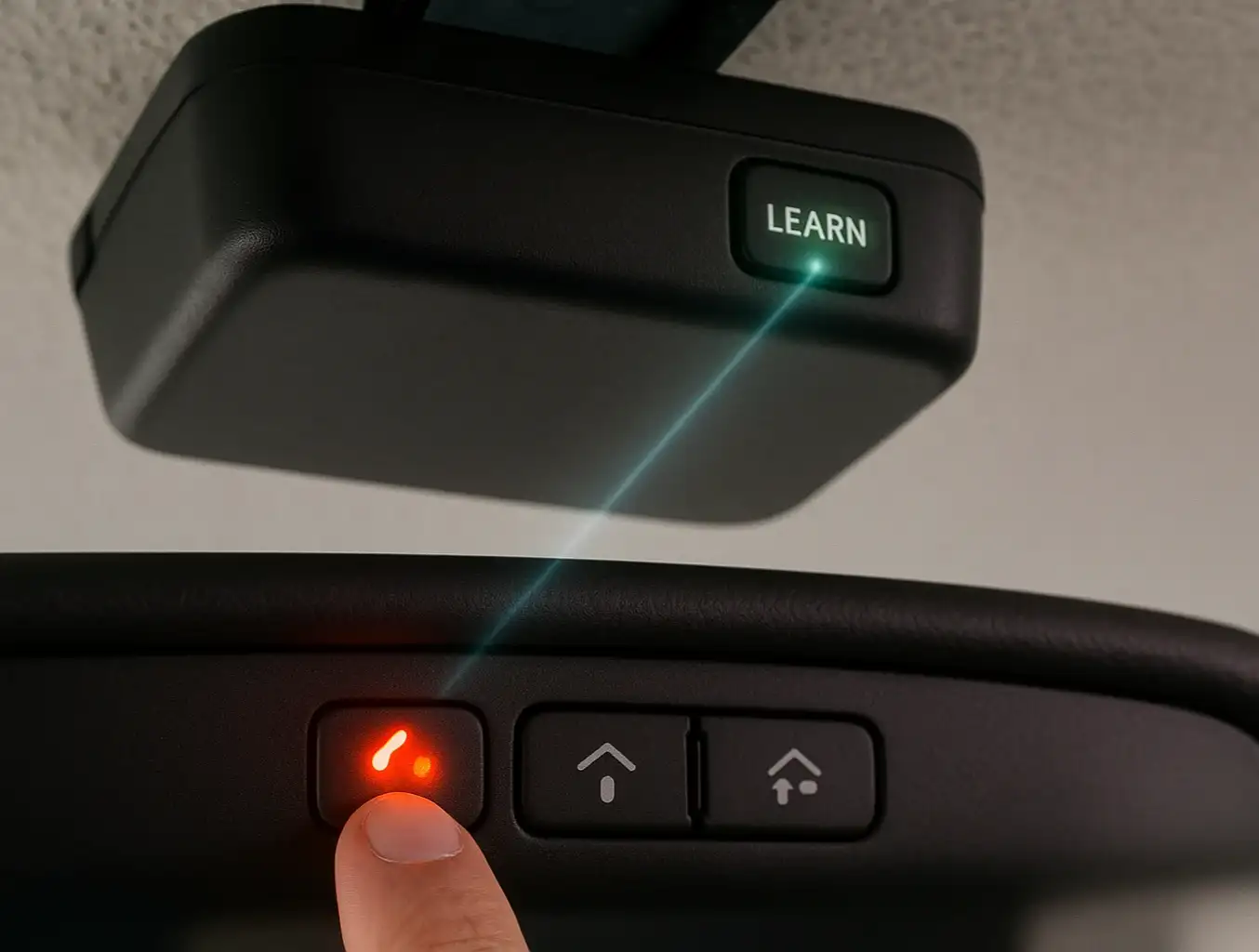
You’re sitting in your new car, that new-car smell still fresh, ready for the final touch: programming the built-in garage door opener. You follow the car manual’s instructions, press the button on your ceiling-mounted opener, and… nothing. You try again. The little light next to the "Learn" button refuses to blink, staying stubbornly off or solidly lit.
It’s a frustrating moment, and your first thought is probably, “Great, the button is broken.”
Here’s the good news: the Learn button itself is rarely the problem. Think of it less as a button and more as a "go" signal. If it’s not responding, it usually means something else is preventing your opener from getting that signal. The issue isn't a broken part; it's a communication breakdown.
This guide is your friendly troubleshooter. We’ll walk through the most common reasons your opener is giving you the silent treatment and how to fix them, starting with the simple 5-minute checks before moving on to more advanced steps.
Foundation: The 5-Minute Fixes
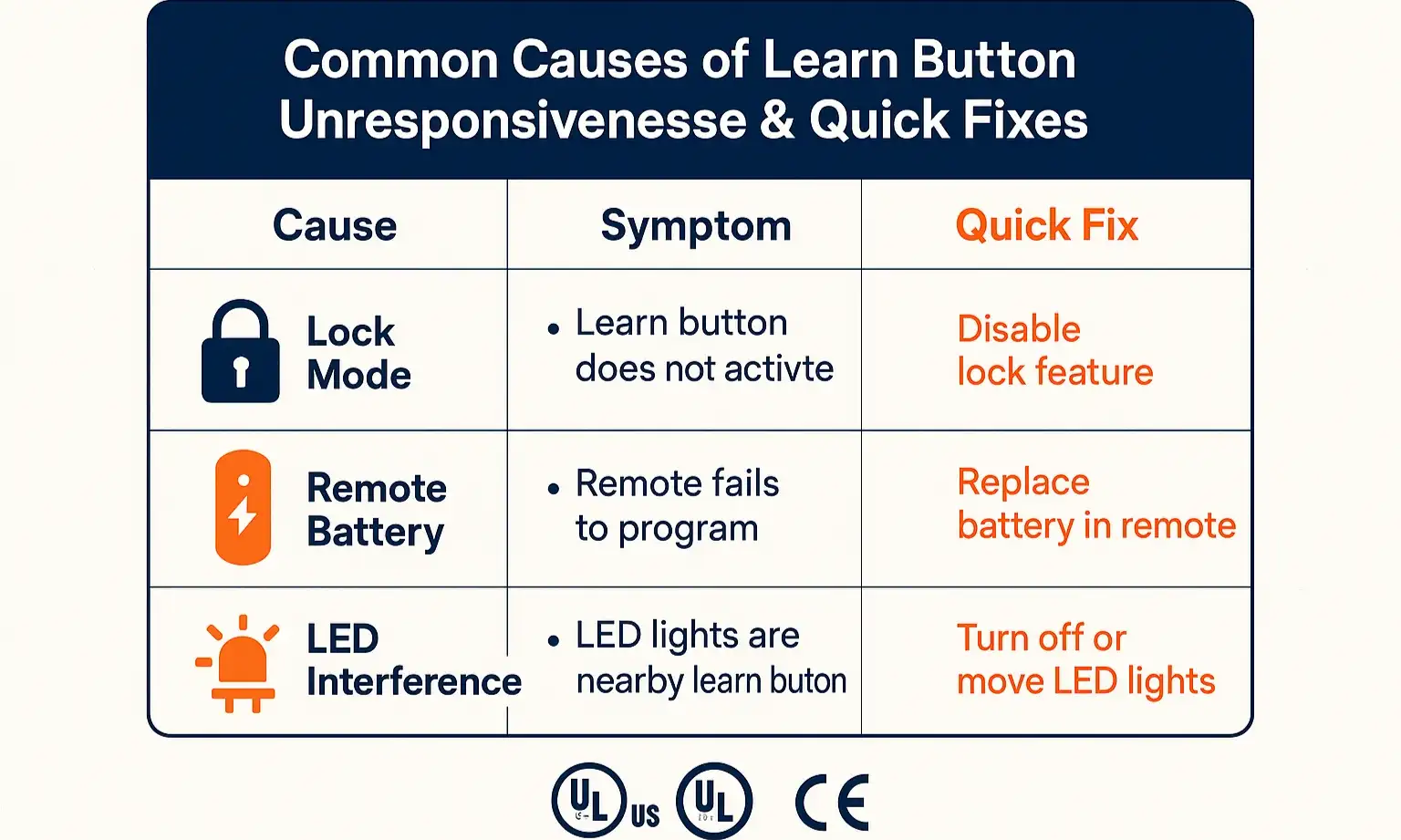
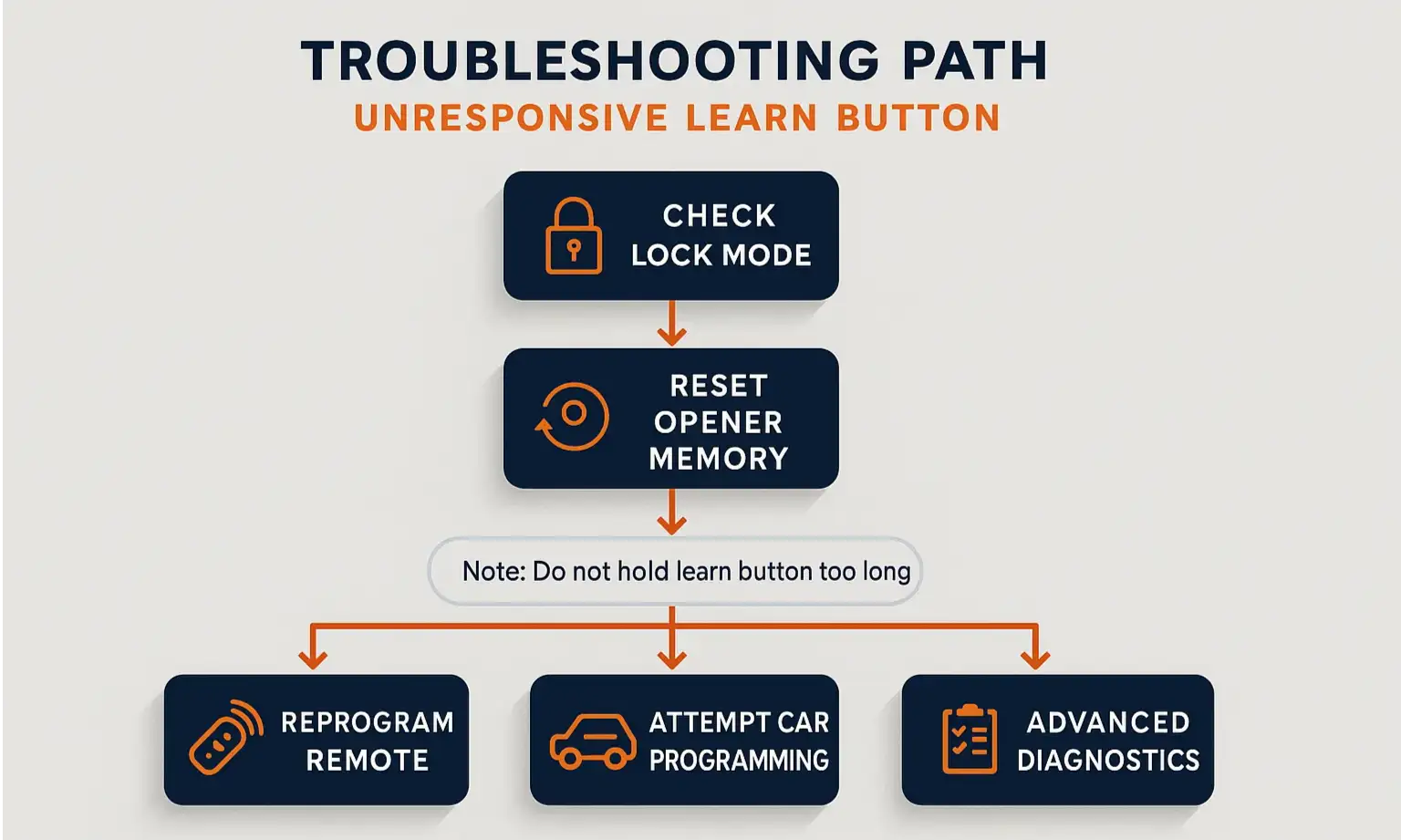
1. Check for "Lock Mode"
- How to Check: Look at the main wall control panel inside your garage. Is there a light next to a "Lock" icon that's illuminated or blinking?
- The Fix: Press and hold the Lock button for a few seconds. The light should turn off, deactivating the feature. Now, try pressing the Learn button on the main opener unit again. If you need a more detailed walkthrough, our guide on how to turn off the lock button on a garage door opener can help.
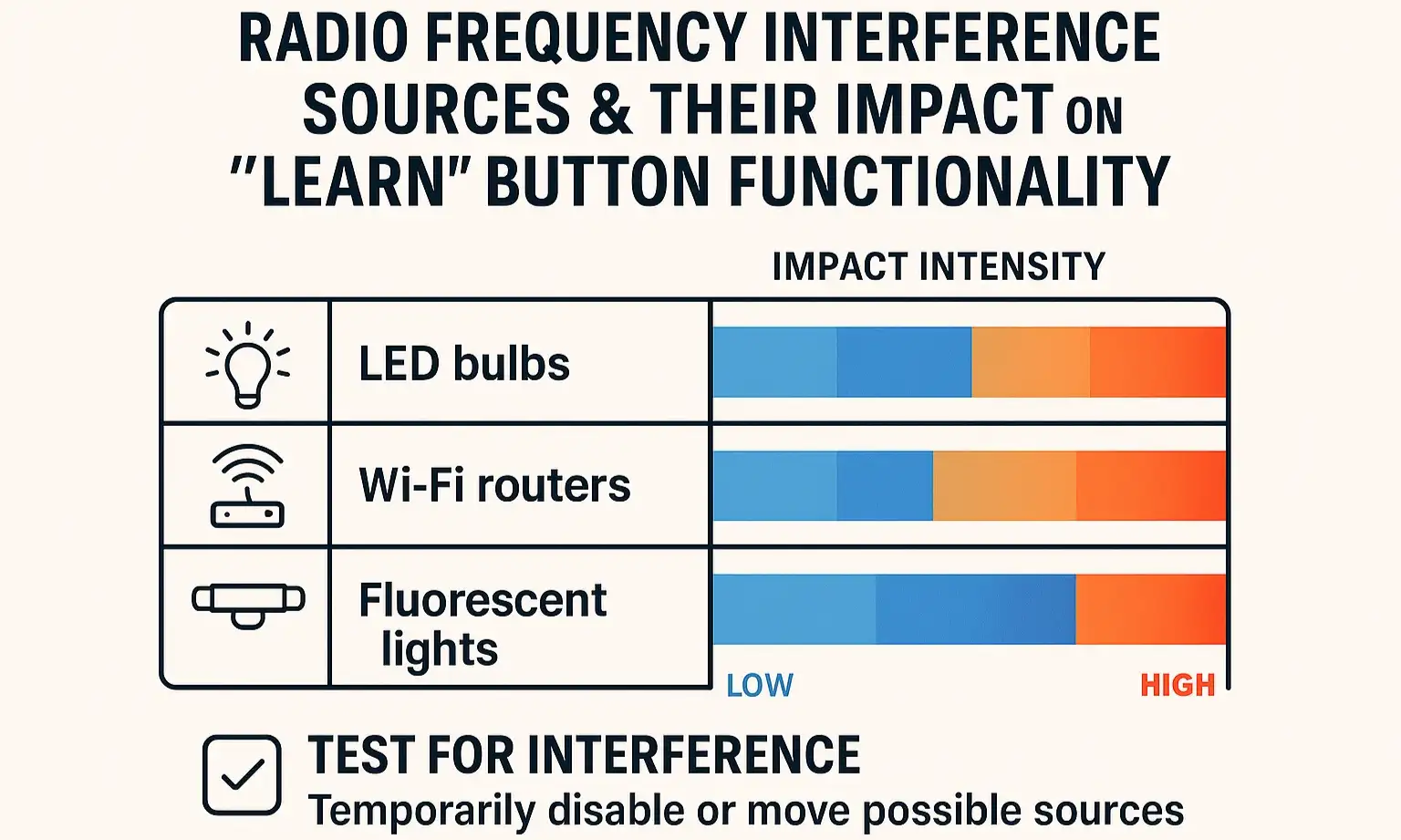
2. Rule Out Signal Interference
- How to Check: Did you recently install a new LED bulb in or near your garage door opener?
- The Fix: Unscrew the light bulb(s) from the opener unit itself. Unplug any other new electronics in the garage, like shop lights or charging stations. Try the Learn button again. If it works, you’ve found your signal blocker. Look for "garage door opener compatible" or low-interference LED bulbs.
3. Confirm Your Handheld Remote Works
- How to Check: Grab your regular clicker. Does it open and close the door? If not, try replacing its battery.
- The Fix: A fresh battery in your primary remote is a crucial first step. If a new battery doesn't solve the issue with your clicker, you'll need to dig deeper. Check out our simple garage door opener remote troubleshooting guide for more tips.
Building: Systematic Troubleshooting
Important Warning Before You Start
Step 1: Clear the Opener's Memory
- How to Do It: Press and hold the Learn button on your opener unit for about 6-10 seconds. The indicator light will either blink and then go solid or turn on and then turn off, depending on the brand. This confirms the memory has been erased.
- Why It Works: This forces a hard reset of the opener's logic board, clearing out any stored codes that might be causing a conflict. If you'd like a more detailed guide for your specific brand, see our instructions on how to reset a garage door opener.
Step 2: Re-Program a Handheld Remote
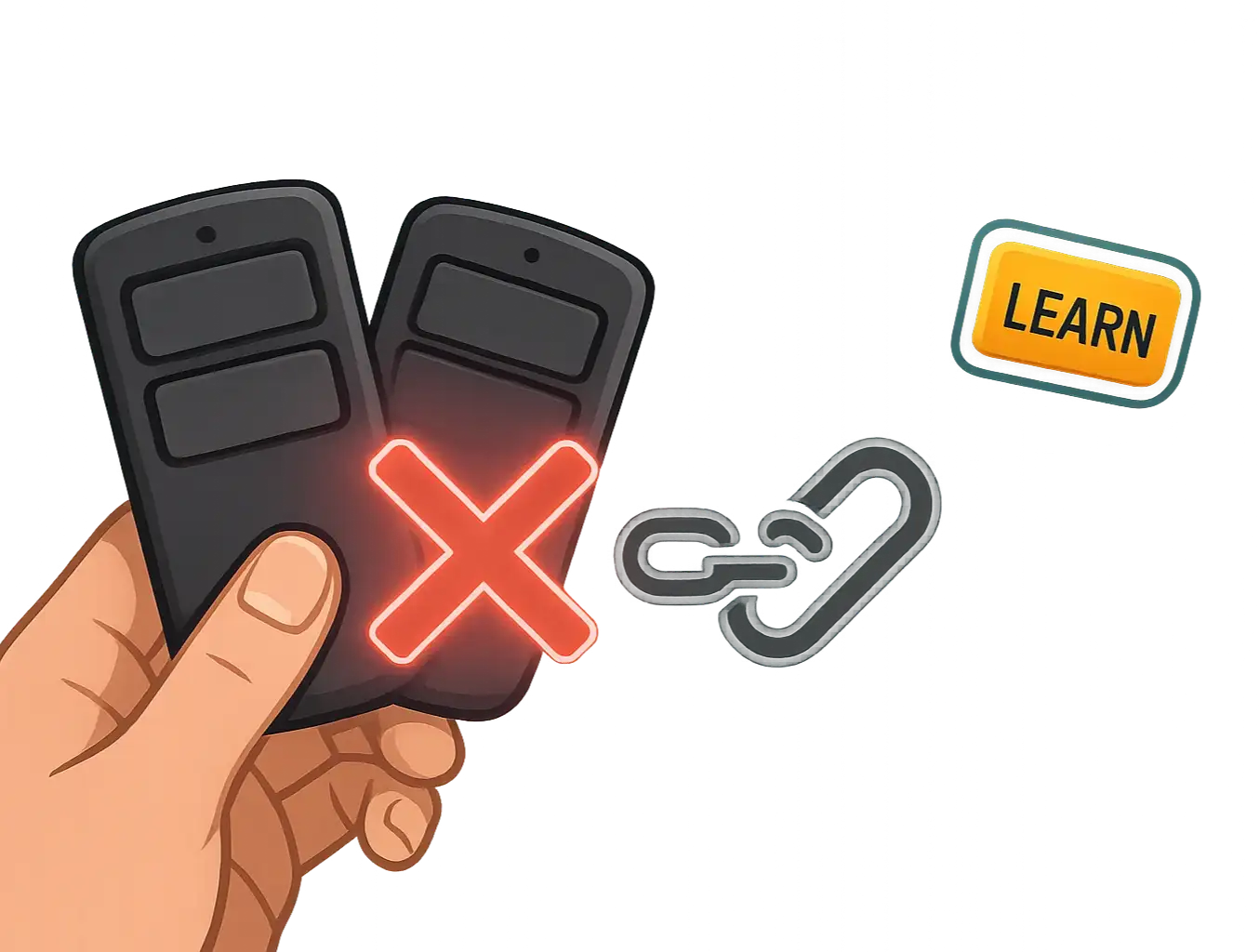
- How to Do It: With the memory cleared, press and release the Learn button one time. The indicator light should now blink or stay solid, signaling it's in pairing mode. Within 30 seconds, press the button on your handheld remote. The opener light should flash or you'll hear a click to confirm the pairing was successful.
- Why It Works: If this step is successful, you've just proven that the Learn button and the opener's radio receiver are working perfectly. The problem isn't with the opener; it's likely with the car programming sequence. If it fails, it points to a deeper issue with the opener itself. For more detailed instructions, you can learn how to reprogram your garage door opener.
Step 3: Program Your Car's System
Mastery: Advanced Diagnostics
Deeper Radio Frequency (RF) Interference
Faulty Wall Control Wiring
Symptoms of a Failed Logic Board
- The opener doesn't respond to the wall control or any remotes.
- The main light on the opener unit won't turn on.
- You see visible burn marks on the circuit board.
- The Learn button light doesn't illuminate at all, no matter what you do.
Need more information?
Get a free quote
Action: Workarounds & Next Steps
Option 1: Use a Universal Remote Kit
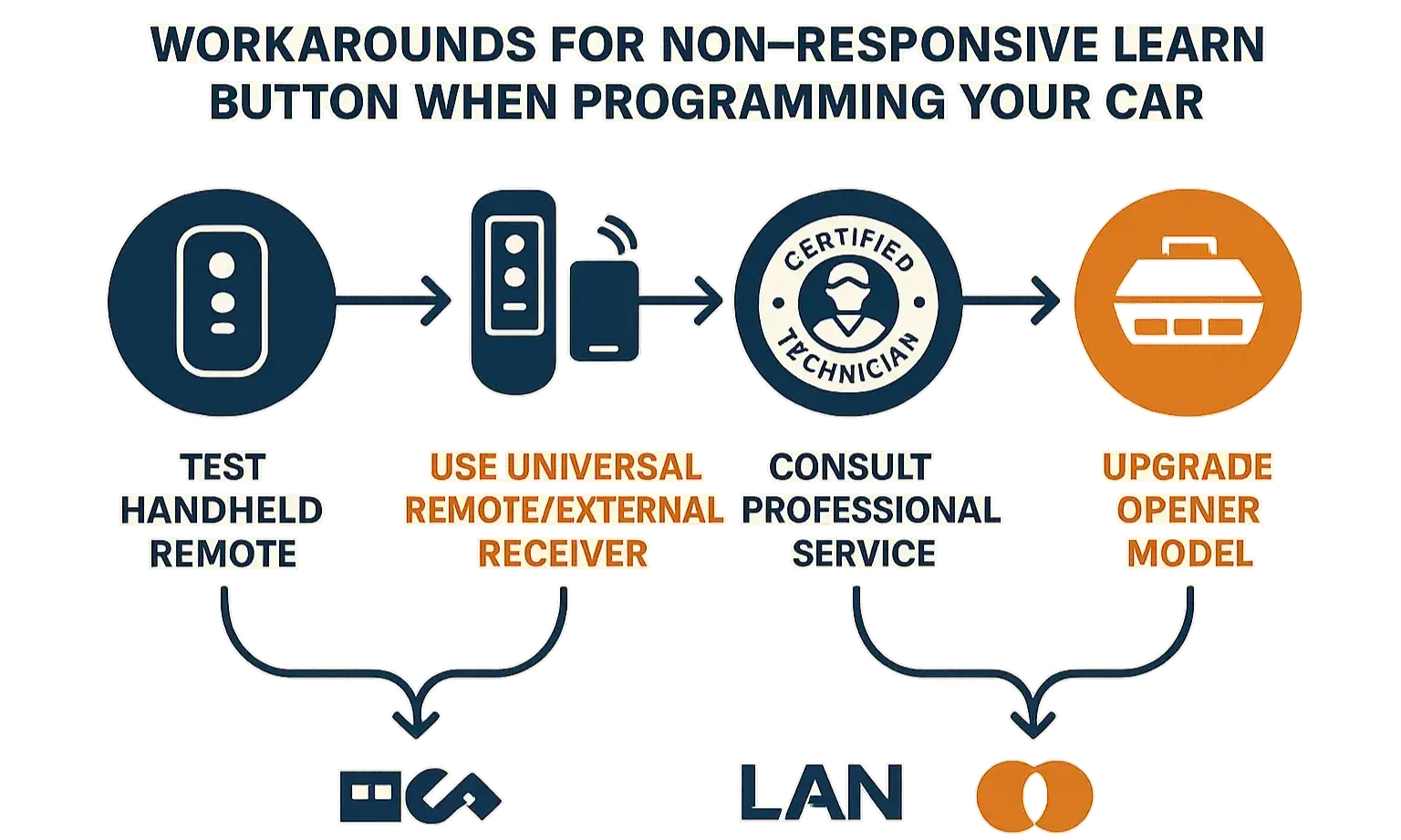
Option 2: Program Your Car Without a Handheld Remote
Option 3: Call a Professional
Frequently Asked Questions
Where is the learn button on a garage door opener?
What do the different color learn buttons mean?
- Purple/Brown: Security+ (315 MHz), typically made from 2005-2014.
- Red/Orange: Security+ (390 MHz), common in models from 1997-2005.
- Green: Billion Code (390 MHz), found in openers from 1993-1997.
- Yellow: Security+ 2.0 (communicates on multiple frequencies), the standard for most modern openers. Knowing the color is crucial for buying compatible remotes or keypads.
Why is my learn button light blinking?
How do I know if my garage door opener’s memory is full?
You may also like