





LiftMaster Garage Door Opener Remote: Quick Setup Guide
Published: Dec 8, 2025
Setting up a LiftMaster garage door opener remote is straightforward — as long as you follow the right steps. Whether you’re replacing a lost remote, syncing a new one, or troubleshooting a problem, this guide covers everything you need to know. With expert insight from Up & Down Garage Doors, you’ll be able to program, fix, or upgrade your remote with confidence. And if the setup becomes more complicated — or you’re running into issues you can’t quite solve — our team is ready to help with fast, professional garage door remote support.
How to Program Your LiftMaster Remote
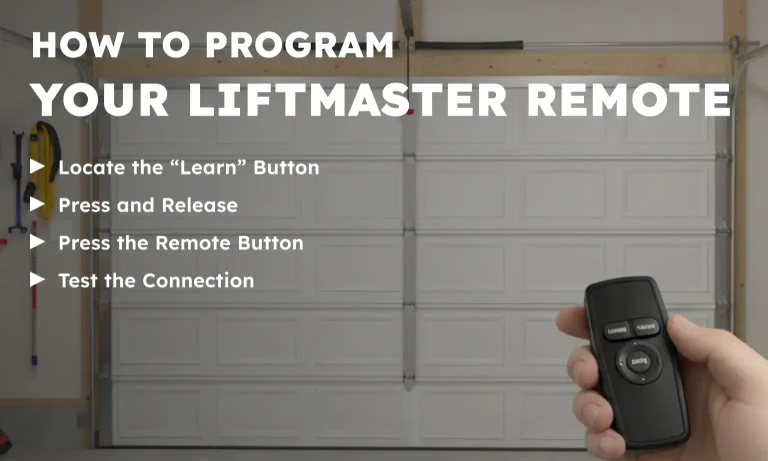
Programming a LiftMaster garage door remote takes just a few minutes. Here’s how to get started:
1. Locate the “Learn” Button
Find the Learn button on the back or side of the opener motor unit. It’s typically a small square (or round) button near the antenna wire, often colored yellow, purple, or red.
2. Press and Release
Press the Learn button once (don’t hold it). You’ll have 30 seconds to program the remote.
3. Press the Remote Button
Within 30 seconds, press and hold the main button on your remote. The opener light should blink or click — that means your LiftMaster remote programming was successful.
4. Test the Connection
Stand a few feet away and press the remote. The garage door should open or close. Repeat the process if it doesn’t respond the first time.
Need more details? Follow our full walkthrough on how to program a garage door opener remote.
Troubleshooting Common Issues with LiftMaster Remotes
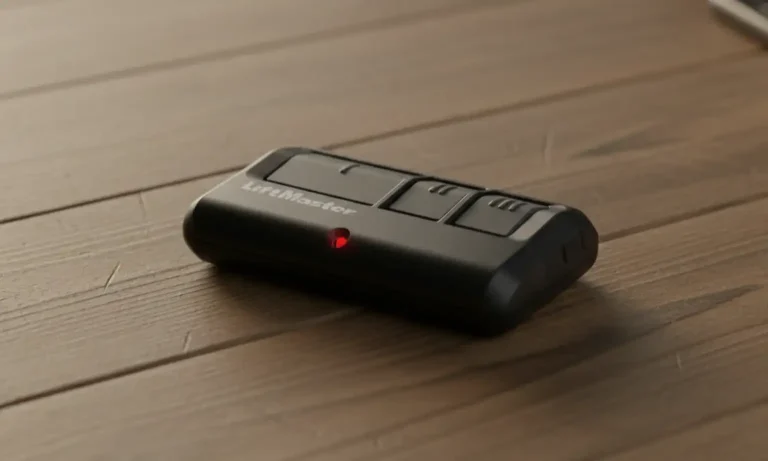
If your LiftMaster garage door opener remote isn’t working properly, don’t replace it just yet. A few simple checks can often solve the issue quickly.
- Battery Problems: The most common culprit is weak or dead batteries. If the remote feels unresponsive or only works occasionally, a quick LiftMaster remote battery replacement might solve the problem. Be sure the new batteries are aligned correctly.
- Signal Interference: Other wireless devices — like LED lights, Wi-Fi routers, or security systems — can disrupt the signal between your remote and the opener. For better wireless garage access, try using the remote from different distances or angles to see if interference is the cause.
- Programming Issues: After power outages or electrical surges, remotes may lose their connection to the opener. If this happens, you may need to program your LiftMaster remote again. If reprogramming doesn’t work, it may help to first reset your garage door remote and then try again.
- Opener Compatibility: First of all, check if you’re using a LiftMaster-compatible remote. Then, double-check that it matches your opener model. Older openers might not support newer remotes or rolling code security features.
Still experiencing problems? Try a full system check using our detailed guide to fixing a garage door remote for more tips and solutions.
When to Replace a LiftMaster Remote
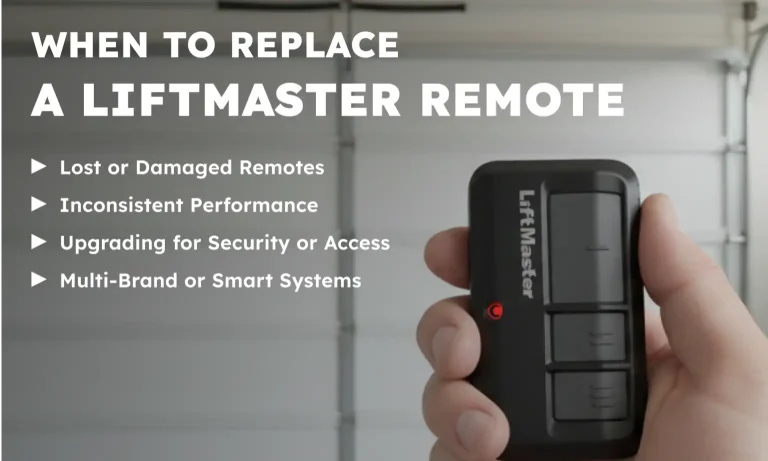
Sometimes it’s time to move on to a replacement remote — here’s how you’ll know.
- Lost or Damaged Remotes: If your remote is missing, cracked, or water-damaged, replacement is often faster and more cost-effective than repair.
- Inconsistent Performance: If your LiftMaster garage door opener remote only works sometimes — or not at all — it could be failing internally. This is common in older remotes.
- Upgrading for Security or Access: Newer remotes offer better encryption, longer range, and wireless garage access features. They’re also great for households that need multiple remotes.
- Multi-Brand or Smart Systems: If you’re managing more than one opener or want compatibility across systems, consider a LiftMaster-compatible remote that supports multiple doors.
Count on Up & Down Garage Doors for LiftMaster Remote Programming
From syncing new remotes to solving stubborn issues, getting your LiftMaster garage door opener remote working again doesn’t have to be frustrating. Whether you’re facing opener compatibility problems or just need a replacement remote, our team is here to help. Up & Down Garage Doors brings years of hands-on experience, reliable service, and friendly support to every garage door need — remote programming included. Need help beyond DIY? Explore our full garage door opener services or call today to get quick, friendly support.
FAQ: LiftMaster Garage Door Remotes
Why is my LiftMaster garage door opener remote not working?
It could be due to weak batteries, signal interference, or a lost connection to the opener. Start with garage remote troubleshooting, then try reprogramming it.
How do I change the battery on my LiftMaster garage door opener?
Slide open the battery compartment, remove the old battery, and insert a matching new one. Then test the remote.
How do I reset my LiftMaster garage door opener remote?
Hold down the Learn button on the opener until the LED turns off, then reprogram the remote. This clears all remote memory and restores default settings.
Can I use a LiftMaster universal garage door remote?
Yes, as long as it’s marked LiftMaster compatible remote and supports your opener’s technology.
Is there a different remote for LiftMaster commercial garage door openers?
Yes, LiftMaster commercial garage door opener remotes are typically built for heavier-duty use and may require different programming steps or hardware.
You May Also Like
Garage Door Opener Does Not Work with a Remote: Common Fixes & Tips
That quick click to open your garage door is a small luxury we all depend on. So, when your garage door does not respond to remote commands, it can certainly disrupt your day. The good news is that many common…
Published Date: Jul 16, 2025
How to Extend the Garage Door Opener Range: Tips to Boost the Remote Signal
Remote controls are designed to make life easier, especially when it comes to opening your garage door from a distance. If your remote only works when you’re right in front of the door, it might be time for a few…
Published Date: Sep 2, 2025
How to Reset a Garage Door Remote: Quick & Easy Guide
Moved in and got handed a pile of mystery clickers, or did your garage door remote suddenly stop working or go missing? The fix is usually simple: a garage door remote reset. That reset clears old codes and restores…
Published Date: Oct 13, 2025