





Extending the Lifespan of Your Garage Door Keypad Batteries
Published: May 22, 2026
You know the feeling. It’s pouring rain, your arms are full of groceries, and you punch in your code on the garage door keypad. Nothing. You try again, pressing the buttons a little harder. Still nothing. The tiny LED light that usually greets you is dark. Your keypad battery is dead, and you’re stuck outside.
It’s a common frustration, but what if we told you it’s often preventable?
While changing a battery is simple, understanding why it drained and how to extend its life is the key to avoiding that rainy-day lockout. This isn’t just about swapping out a 9-volt; it’s about smart battery management. Let’s explore the factors that drain your keypad’s power and the simple steps you can take to maximize its lifespan.
The Hidden Culprits: Why Keypad Batteries Drain Faster Than You Think
You might change the batteries and forget about it for a year. Or, you might find yourself replacing them every few months. This difference isn’t just about how often you use the keypad. Several environmental factors are constantly working against your battery’s longevity.
1. Extreme Temperatures
Batteries are little chemical power plants, and their performance is directly tied to temperature.
- The Cold Drain: Freezing temperatures are the number one enemy of battery life. When the mercury drops, the chemical reactions inside a battery slow down, reducing its ability to produce a current. In fact, an alkaline battery can lose as much as 50% of its effective capacity in freezing weather. This is why you might notice your keypad becoming sluggish or failing completely during a cold snap, even with a relatively new battery.
- The Heat Factor: While not as immediately damaging as cold, high heat can also be a problem. Excessive heat can degrade a battery’s internal components over time, shortening its overall lifespan and increasing the rate of self-discharge—meaning it loses power even when you’re not using it.
2. Moisture and Humidity
Your outdoor keypad is built to be weather-resistant, but it’s not invincible. Persistent moisture from rain, snow, or high humidity can seep into the battery compartment. This can lead to corrosion on the battery terminals—that crusty, white or greenish buildup—which blocks the flow of electricity. A corroded connection forces the battery to work harder, draining it prematurely and eventually preventing it from working at all.
Choosing Your Battery Wisely: Not All Batteries Are Created Equal
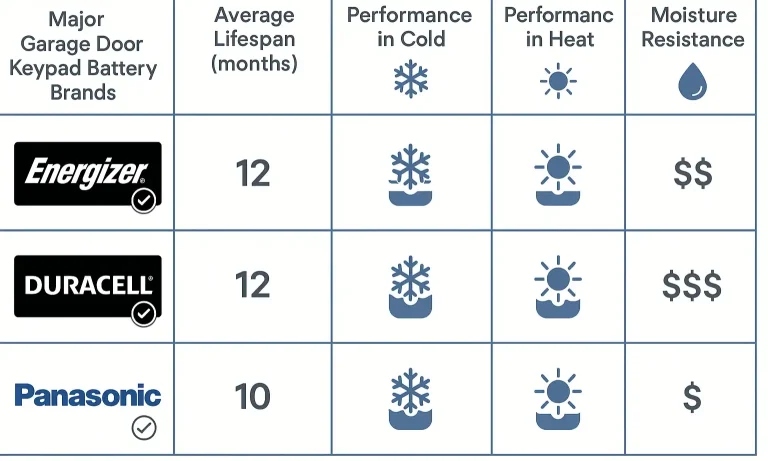
When it’s time for a replacement, grabbing the cheapest pack of batteries might seem economical, but it could cost you in the long run. The type of battery you choose plays a significant role in its performance and lifespan, especially when facing the environmental challenges we just discussed.
Alkaline vs. Lithium: The Showdown
For most garage door keypads, the choice comes down to two main types: Alkaline and Lithium.
- Alkaline Batteries: These are the standard, widely available batteries (like Duracell or Energizer) that you’ll find everywhere. They offer good performance in moderate climates and are typically the most affordable option. However, their performance drops significantly in the cold.
- Lithium Batteries: While they have a higher upfront cost, lithium batteries are the undisputed champions of harsh weather. They are designed to function reliably in a much wider temperature range, from scorching heat to well below freezing. They also have a longer shelf life and provide more consistent voltage as they drain.
The Verdict?
If you live in a region with cold winters, investing in lithium batteries for your garage door keypad is a smart move. The extra cost is easily justified by longer life and reliable performance when you need it most. For those in more temperate climates, a high-quality alkaline battery is often sufficient.
Your Proactive Battery Maintenance Checklist
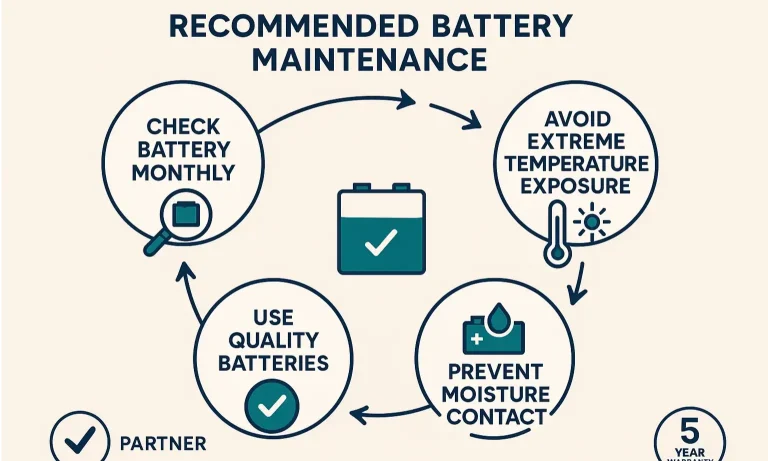
A little preventative care can go a long way. By incorporating these simple steps into your routine, you can create a more reliable system and spend less time and money on batteries. Think of this as a small but important part of a comprehensive garage door maintenance plan.
Maintenance Best Practices and Environmental Considerations
- Set a Schedule: Don’t wait for the battery to die. Make it a habit to change your keypad battery on a schedule. A great time to do this is when you change your smoke detector batteries—once or twice a year is a good rule of thumb.
- Clean the Contacts: Each time you change the battery, take a moment to inspect the metal battery contacts inside the compartment. If you see any corrosion, gently clean it off with a pencil eraser or a cotton swab dipped in a bit of lemon juice or vinegar. A clean connection ensures efficient power transfer.
- Inspect for Moisture: Check for any signs of water getting into the keypad housing. If you notice moisture, dry it out thoroughly and check the keypad’s weather seal or cover for cracks or damage.
- Use Fresh Batteries: Don’t pull a battery from that “junk drawer” of mystery batteries. Always use a fresh, new battery from its original packaging to ensure you’re starting with a full charge.
If you’ve followed all these steps—you’ve chosen a high-quality lithium battery, the contacts are clean, and the battery is fresh—but the keypad still doesn’t work, the issue may not be the battery at all. Sometimes, the problem lies within the keypad’s circuitry or the opener itself. In these cases, it might be time to look into a professional garage door opener repair.
Frequently Asked Questions (FAQ)
How do I know my keypad battery is getting low?
Most modern keypads give you a warning. You might notice the backlight dimming, the LED flashing after you enter your code, or a slower response time from the garage door itself. Don’t ignore these signs!
Can I use rechargeable batteries in my garage door keypad?
It’s generally not recommended. While eco-friendly, most common rechargeable batteries (like NiMH) have a lower voltage than their alkaline or lithium counterparts. This lower voltage might not be enough to power your keypad reliably, leading to poor range and performance issues, especially in the cold.
How often should I realistically change the battery?
This depends heavily on your climate and usage. For heavy users or those in very cold climates, changing it every 6-12 months is a good proactive measure. In moderate climates with average use, a high-quality battery could last 1-2 years.
Do keypad features affect battery life?
Yes. Features like a constantly lit backlight or a one-touch close function can consume more power. When you are choosing a new garage door opener and keypad system, consider how these convenience features might impact your battery maintenance routine.
A Smarter Approach for Uninterrupted Access
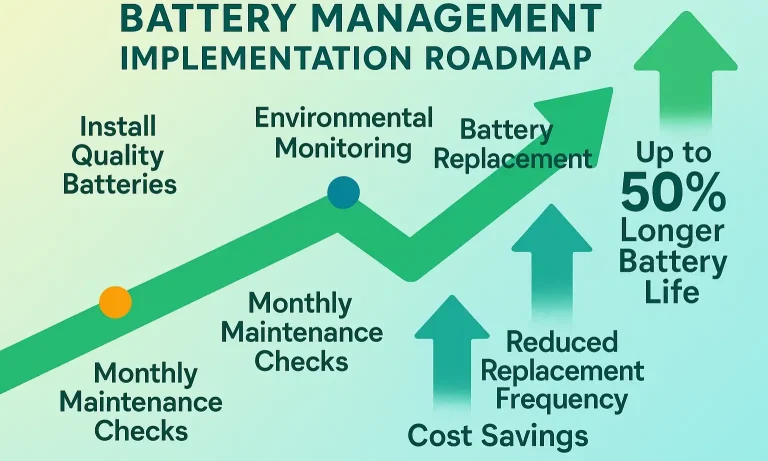
Being locked out by a dead battery is a preventable problem. By understanding how temperature and moisture affect performance, choosing the right type of battery for your climate, and performing simple, regular maintenance, you can ensure your garage door keypad is ready to work whenever you need it.
This shift from a reactive “fix it when it’s broken” mindset to a proactive management plan will save you from future frustration, give you peace of mind, and keep you and your groceries out of the rain.
You May Also Like
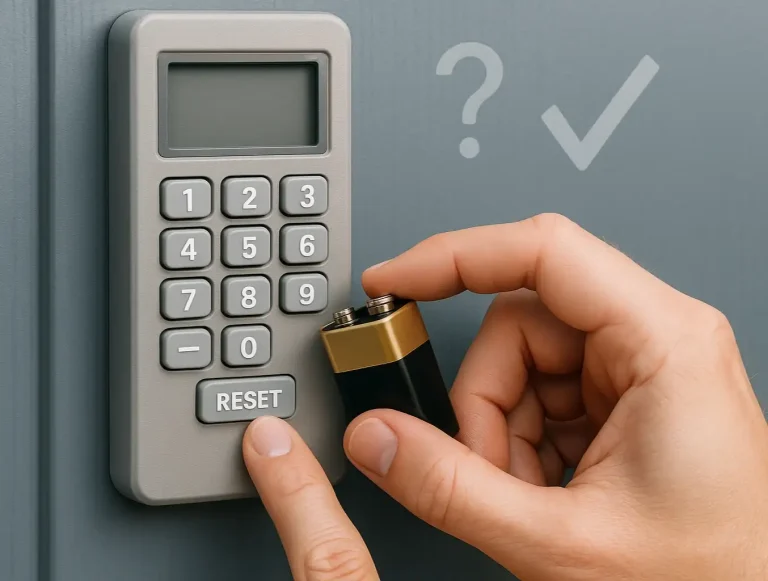
Troubleshooting Garage Door Keypad Not Working
It’s a frustratingly common scenario: your garage door keypad has been faithfully serving you for years, but the battery finally gives out. You swap it for a fresh one, feeling accomplished, only to find… nothing.…
Published Date: May 21, 2026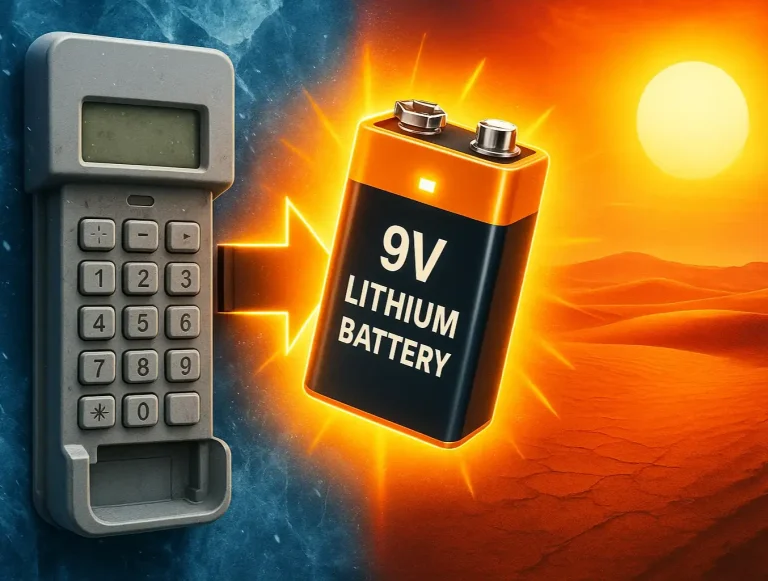
Seasonal Considerations for Garage Door Keypad Battery Performance
It’s one of the most frustrating homeowner mysteries. One day, your garage door keypad works perfectly. The next—after a sudden cold snap or during the peak of a summer heatwave—it’s completely unresponsive. You…
Published Date: May 22, 2026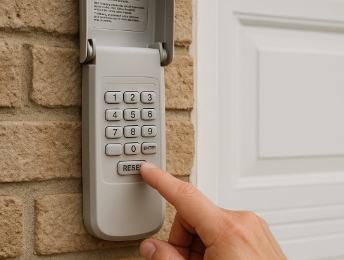
How to Change Battery in Garage Door Opener Keypad
If your keypad isn’t responding, the backlight doesn’t flash, or it only works when you use the remote, you’re probably asking yourself why your garage door keypad is not working . Most of the time, the fix is simple…
Published Date: Jun 20, 2025