




Commercial Overhead Door Won’t Close: Photo Eyes, Safety Edges and Limits
Published: Sep 25, 2026
When an industrial overhead door refuses to close automatically, it does more than stall your logistics—it compromises your building’s security and climate control. For facility managers and maintenance teams, the immediate priority is identifying whether the failure requires a simple adjustment or a professional service call.
Unlike residential openers, commercial door operators manufactured after August 29, 2010, must comply with strict UL 325 safety standards. Under these regulations, operators must continuously monitor external entrapment protection devices. If a fault is detected, the system defaults to a protective safety mode.
Understanding the Failsafe: Why Your Door Requires Constant Pressure to Close
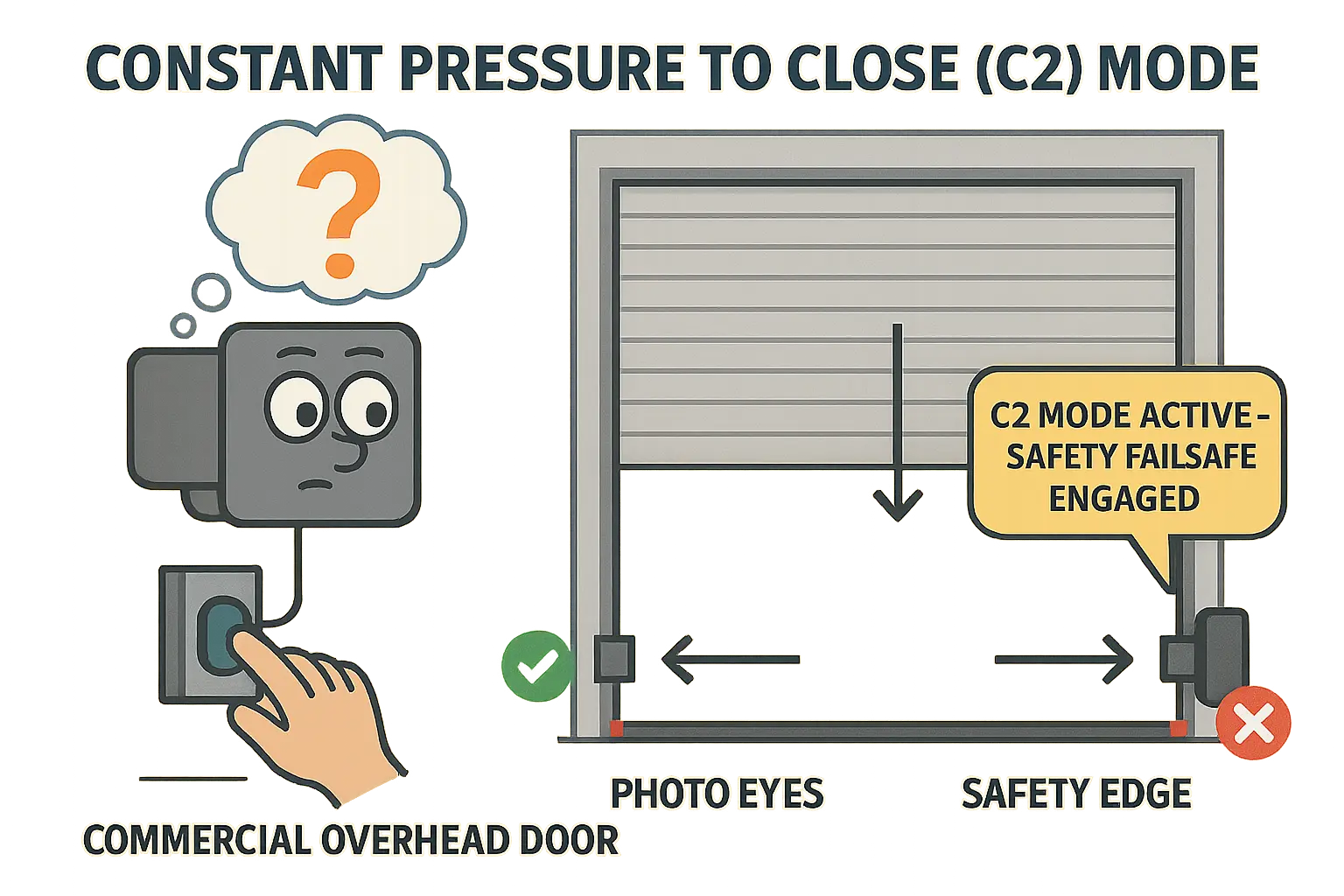
When a safety component is compromised, your operator defaults to Constant Pressure to Close (C2) mode, also known as “deadman” mode. In this state, the door will only close if an operator physically holds down the wall button until the door fully rests on the floor. Releasing the button mid-travel immediately reverses or stops the door.
This behavioral change is a diagnostic signal. It confirms the motor is functional, but the operator is ignoring automatic close commands because it cannot verify that the opening is clear of personnel or equipment.
Troubleshooting Commercial Photo-Eyes
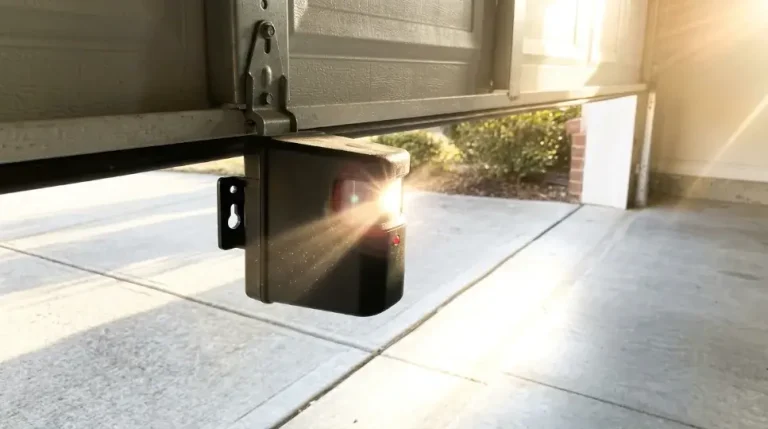
Photoelectric sensors, or photo-eyes, project an invisible infrared beam across the door opening. DASMA Technical Data Sheet #382 dictates that these sensors must be mounted no higher than 6 inches (15 cm) off the floor to prevent blind spots for low-profile machinery like pallet jacks.
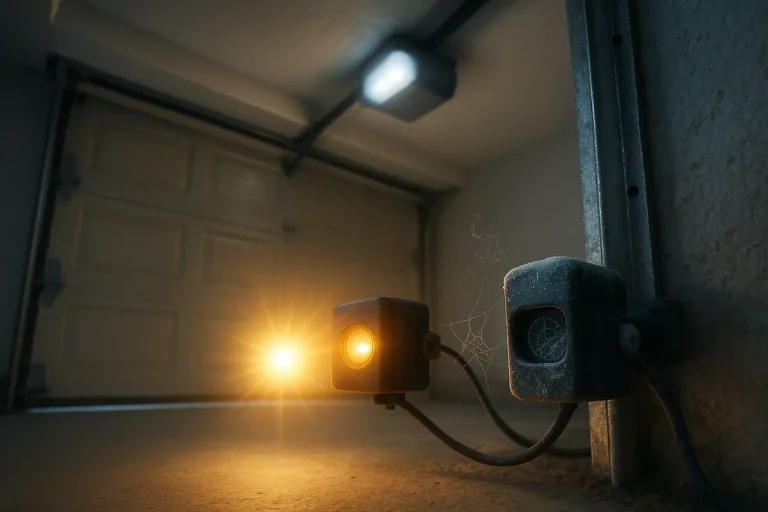
If you suspect an issue with your garage door obstruction sensor, inspect the LED indicators on both the transmitter (sending eye) and receiver (receiving eye):
- Solid Amber/Orange & Green: The sensors are powered and aligned.
- No Green Light or Blinking LED: There is a alignment issue, physical obstruction, or power failure. If there is no green light on garage door sensor units, check the wiring terminals at the operator.
Tactical Action Steps:
- Clean the Lenses: Dust, grease, and debris accumulate rapidly in industrial environments. Learn how to clean garage door sensors using a clean microfiber cloth and a mild, non-abrasive cleaner.
- Verify Alignment: Heavy vibration from forklifts can loosen mounting brackets. Review how to align garage door sensors by loosening the bracket collar, centering the receiving eye until the indicator light shines steadily, and tightening the hardware.
- The PVC Sunlight Shield Hack: Direct sunlight can overpower infrared receivers, causing a “sunlight lockout” that halts automatic closing. Shield the receiver by slipping a 3-inch piece of dark PVC pipe over the sensor body to block ambient light glare.
Diagnostic Protocols for Sensing Edges
Sensing edges run along the bottom rubber astragal of the door, reversing travel the moment they encounter physical resistance. Modern UL 325 compliant systems use monitored edges—typically employing a 10k ohm resistor loop or a pulsed signal—to verify electrical integrity.
When a sensing edge fails, the door often reverses instantly upon starting to close, or fails to travel downward at all.
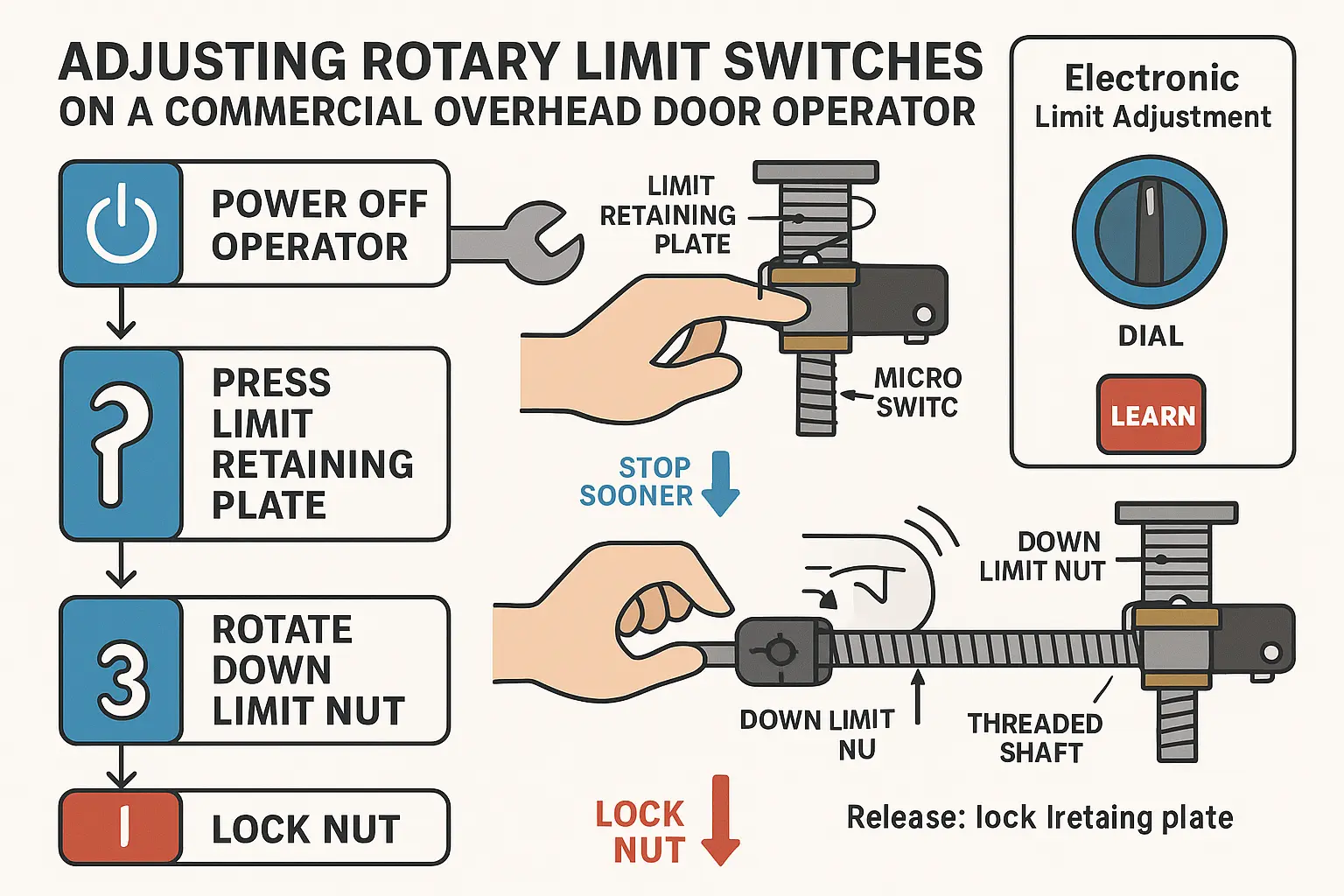
Common Failure Points:
- Coil Cord Fatigue: The retracting cable linking the door edge to the wall junction box undergoes thousands of flex cycles. Over time, internal copper wires fracture, creating intermittent opens in the safety circuit. Test continuity across the cord conductors using a digital multimeter while flexing the cable.
- Water Intrusion: In wash bays or facilities exposed to heavy weather, water can pool inside the bottom astragal tube. This shorts out pneumatic or electric contacts. Inspect the drain holes at each end of the bottom seal and clear any obstructions.
- Battery Depletion (Wireless Edges): If your system utilizes a wireless transmitter, low batteries will trigger a safety fault. Replace transmitter batteries during regular preventative maintenance cycles.
Resolving Mechanical and Electronic Travel Limits
Travel limits define precisely where the door stops at the top and bottom of its cycle. If the down limit is set too deep, the door will strike the floor, detect a physical obstruction, and automatically reverse. If set too shallow, the door will stop before sealing the opening.
Adjusting these boundaries depends on whether your commercial operator uses traditional mechanical rotary limit switches or modern electronic limits.
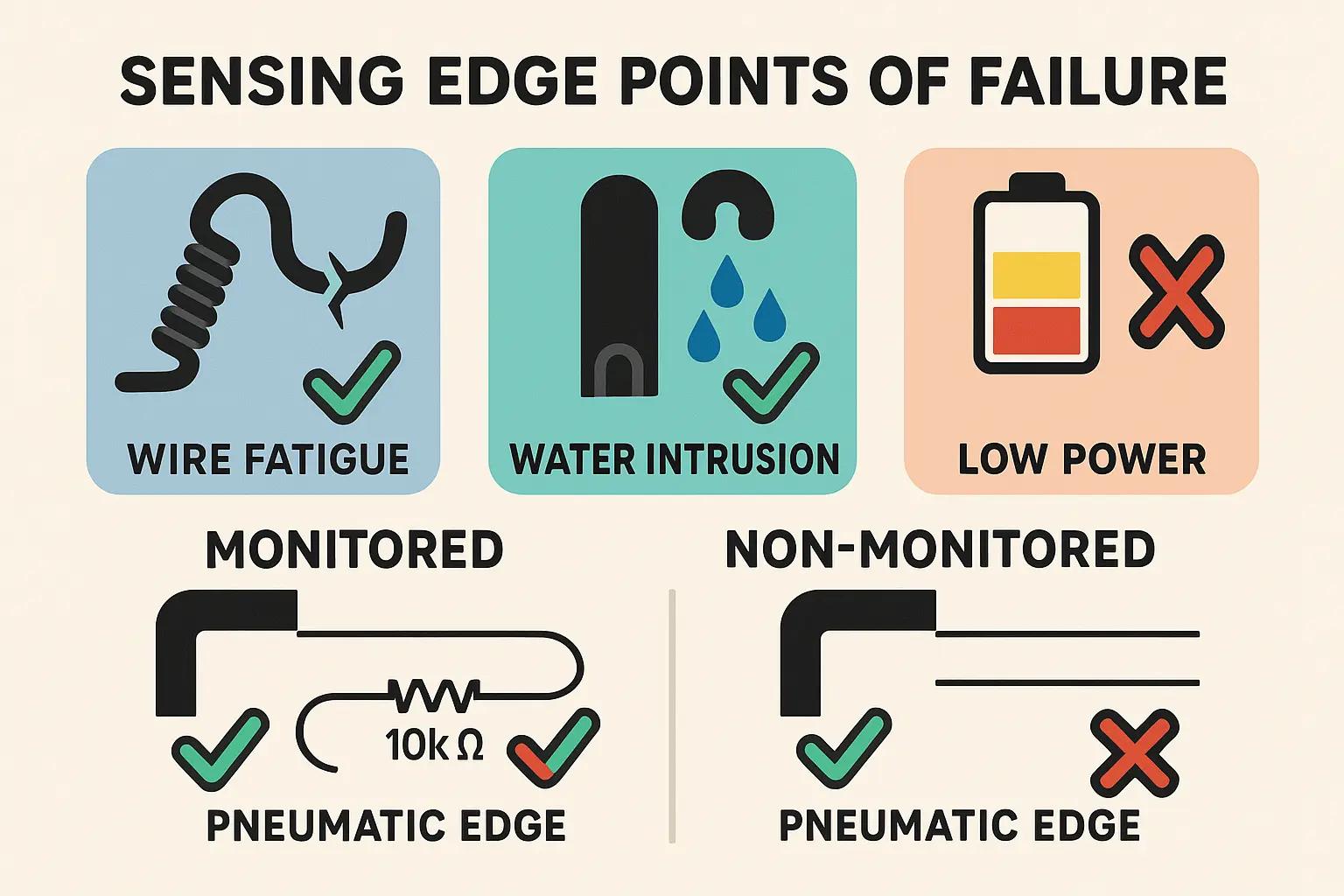
Adjusting Mechanical Rotary Limits:
- Isolate Power: Turn off the electrical breaker to the operator before opening the electrical enclosure.
- Locate the Limit Shaft: Identify the threaded metal shaft carrying two rotating brass or plastic limit nuts held in place by a spring-loaded metal retaining plate.
- Depress the Retaining Plate: Push the plate away from the limit nuts to allow manual rotation.
- Adjust the Down Limit Nut: Rotate the nut associated with downward travel. Turning the nut toward the microswitch stops the door sooner; turning it away from the microswitch allows the door to travel further down. Make small adjustments (one or two turns at a time).
- Re-engage and Test: Release the retaining plate, restore power, and cycle the door to verify the seal.
For modern electronic operators, limits are programmed via the receiver board’s selector dial or “Learn” buttons. Refer to your operator manual to initiate the programming sequence.
Knowing When to Dispatch Professional Support
While cleaning photo-eyes and tightening bracket screws fall under routine commercial garage door maintenance, attempting complex repairs on commercial systems introduces significant risks.
High-voltage three-phase wiring, torsion spring systems, and commercial-grade chain hoists operate under massive physical forces. If you encounter frayed lift cables, cracked rollers, bent tracks, or a burned-out operator circuit board, contact an expert. A professional commercial garage door replacement or professional repair prevents structural damage and keeps your facility compliant with OSHA and UL 325 standards.
Frequently Asked Questions
Can I bypass safety sensors to keep my business operating temporarily?
No. Under UL 325 safety mandates, commercial operators cannot be rewired to bypass safety devices for automatic closing. The system’s built-in override is the Constant Pressure to Close (C2) mode, which requires a trained operator to manually hold the button down. Bypassing safety circuits void manufacturer warranties, violates OSHA guidelines, and exposes your business to severe liability risks if an injury occurs.
Why does my commercial door close halfway and then reverse during winter?
Cold weather causes grease to thicken inside the tracks, increasing physical rolling resistance. Cold temperatures also cause the rubber sensing edge astragal on the bottom of the door to stiffen. This change in flexibility can trick the operator’s safety circuits or the sensing edge into reading normal resistance as a physical obstruction, triggering an automatic reversal.
How often should safety edges and photo-eyes be inspected?
Commercial safety entrapment devices should undergo a functional check daily by facility staff, ensuring the C2 override behaves correctly and lenses are clear of grime. A comprehensive technical inspection, including electrical continuity testing of the coil cords and force limit evaluations, should be performed by certified technicians at least twice a year.
You May Also Like